Skip to content

Books & documents

Lilazy

One small phrase. One more page.

  • iPhone
  • iOS 17+
  • Tiếng Việt, English
Design preview: Lilazy

Lilazy

A little reading session with Lilazy

Actual app interaction in iPhone Simulator: auto-scroll, speed changes, sleep timer, library and PDF page navigation. Silent, with English and Vietnamese captions.

Read the video description

Start automatic scrolling from the reader toolbar.

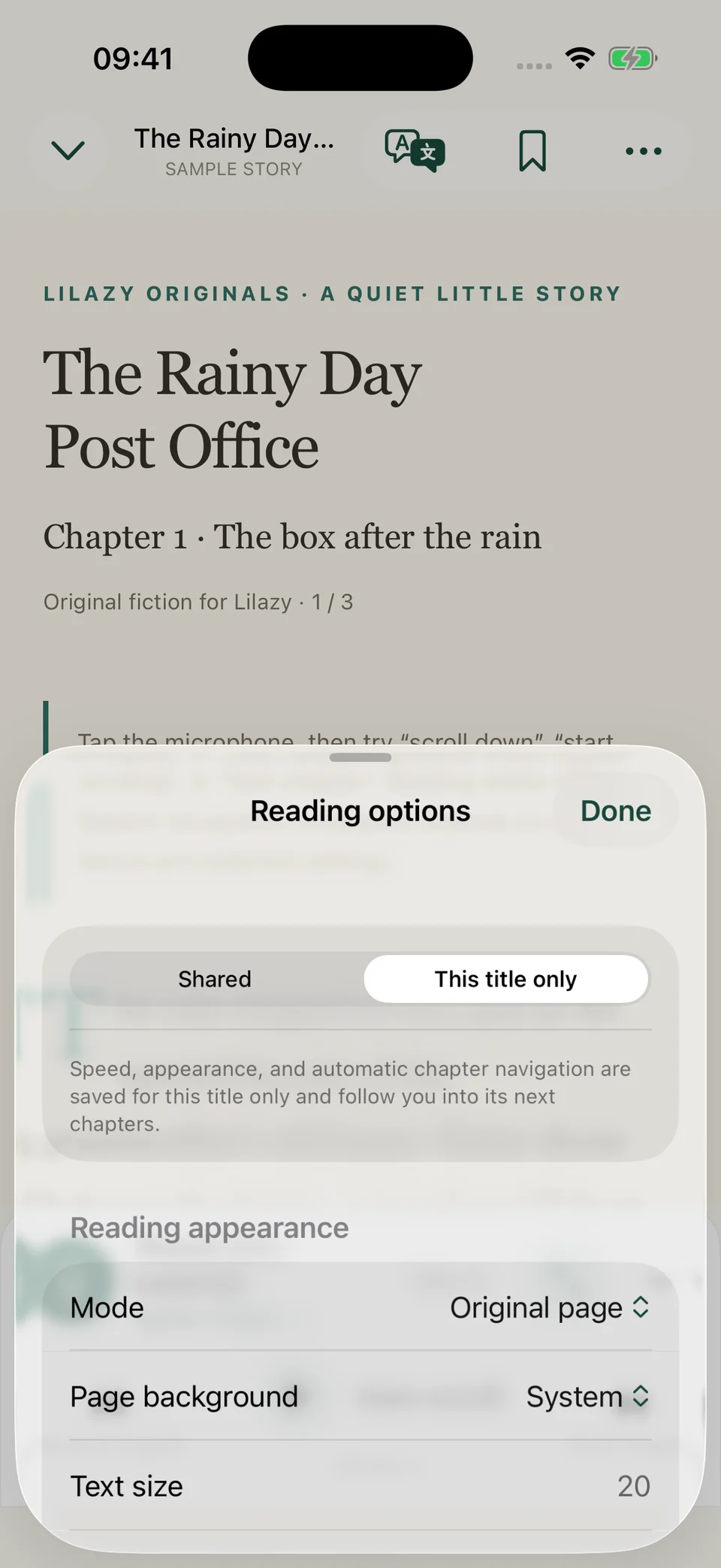
Increase the pace. Your speed is saved for this story.

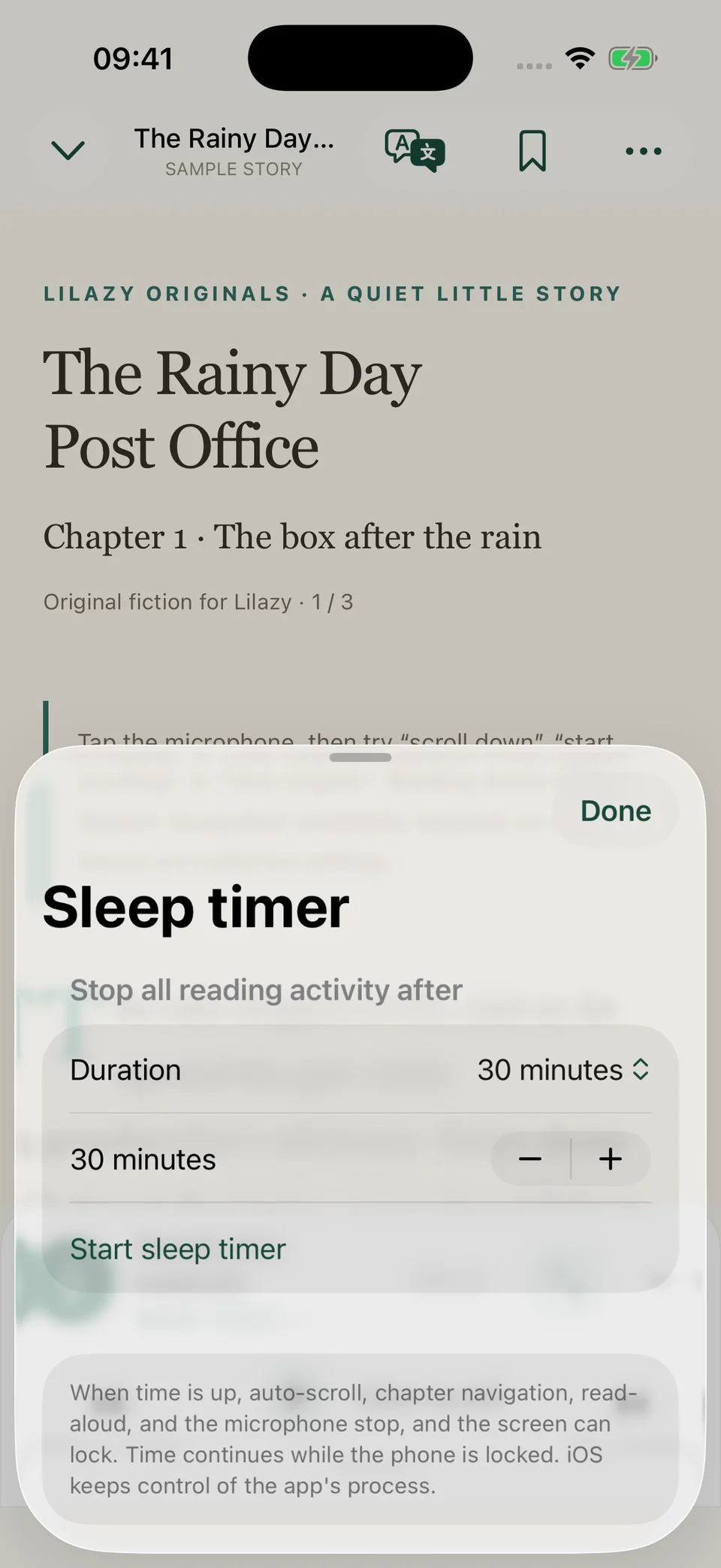
Set a sleep timer to stop reading, scrolling and the microphone.

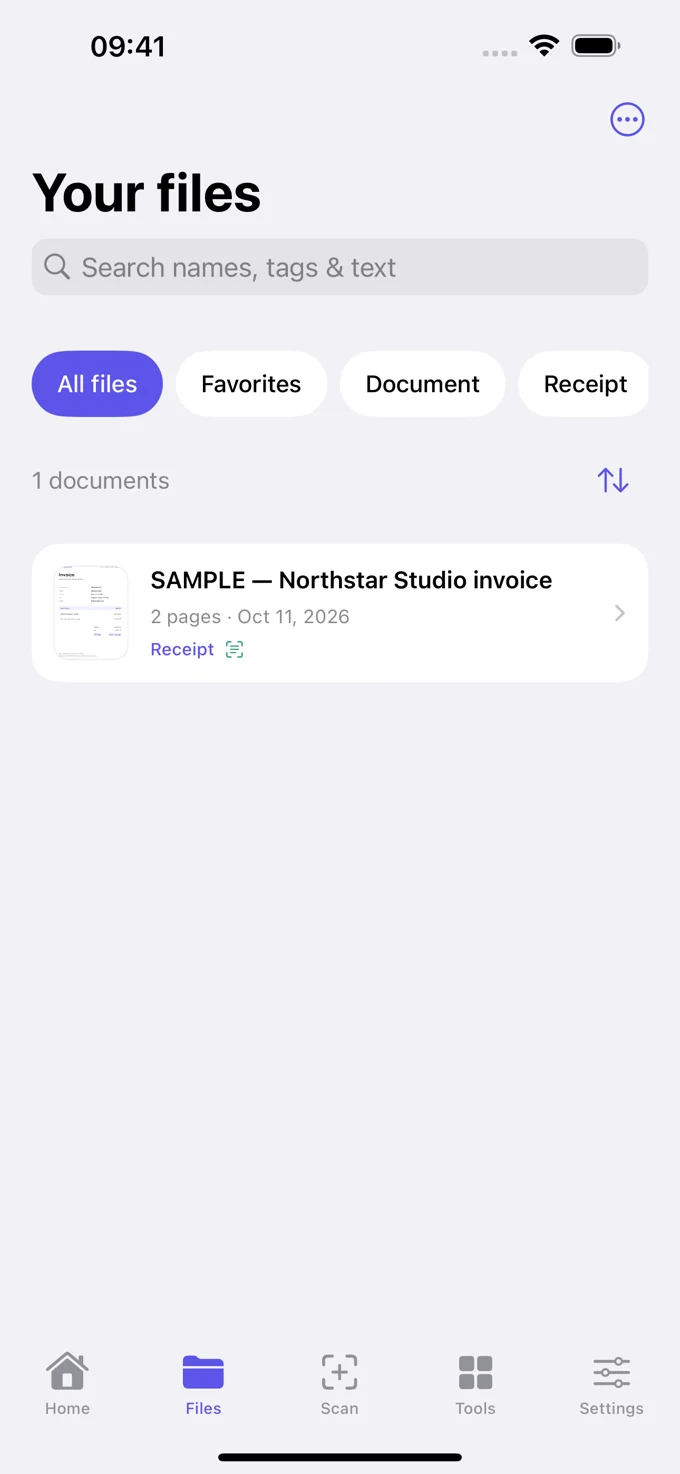
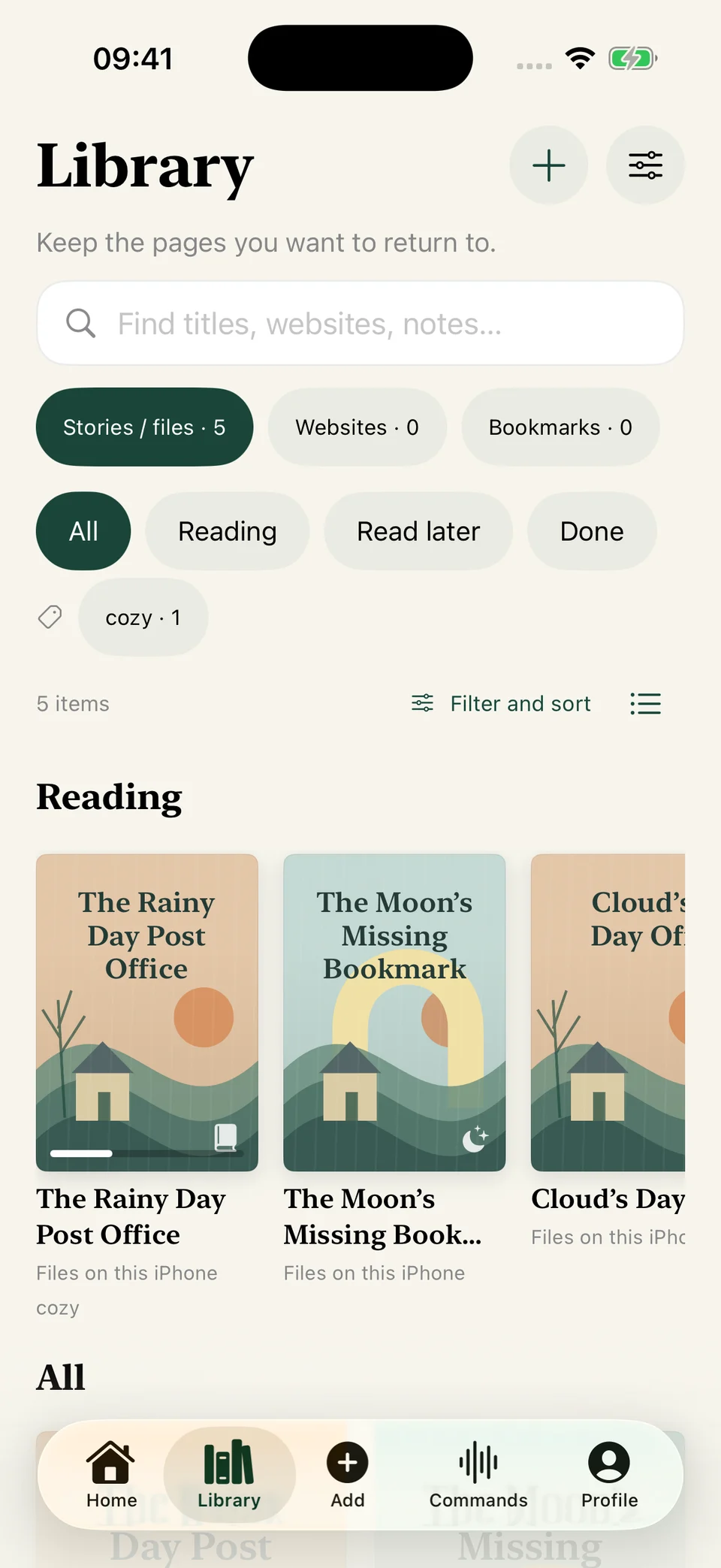
Your library holds stories, custom covers and local files.

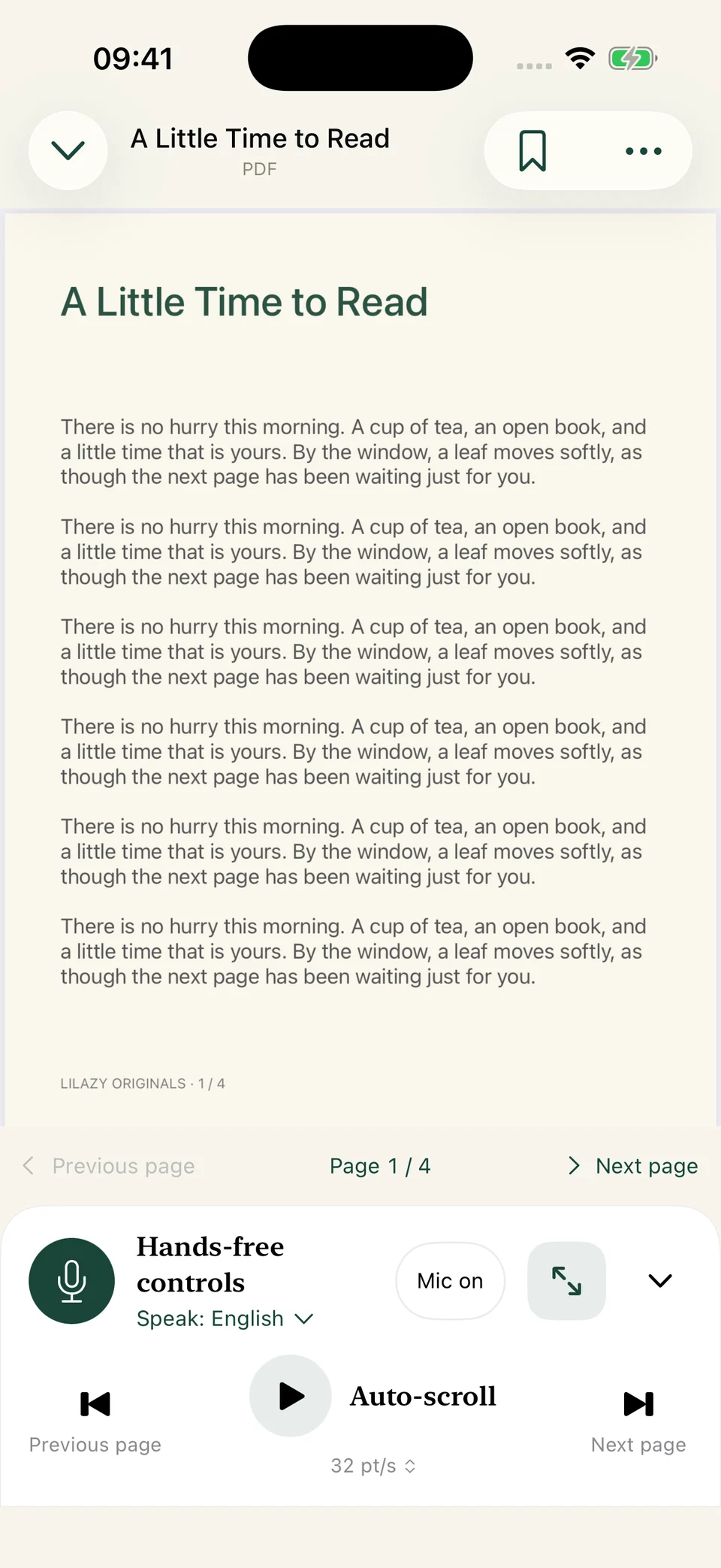
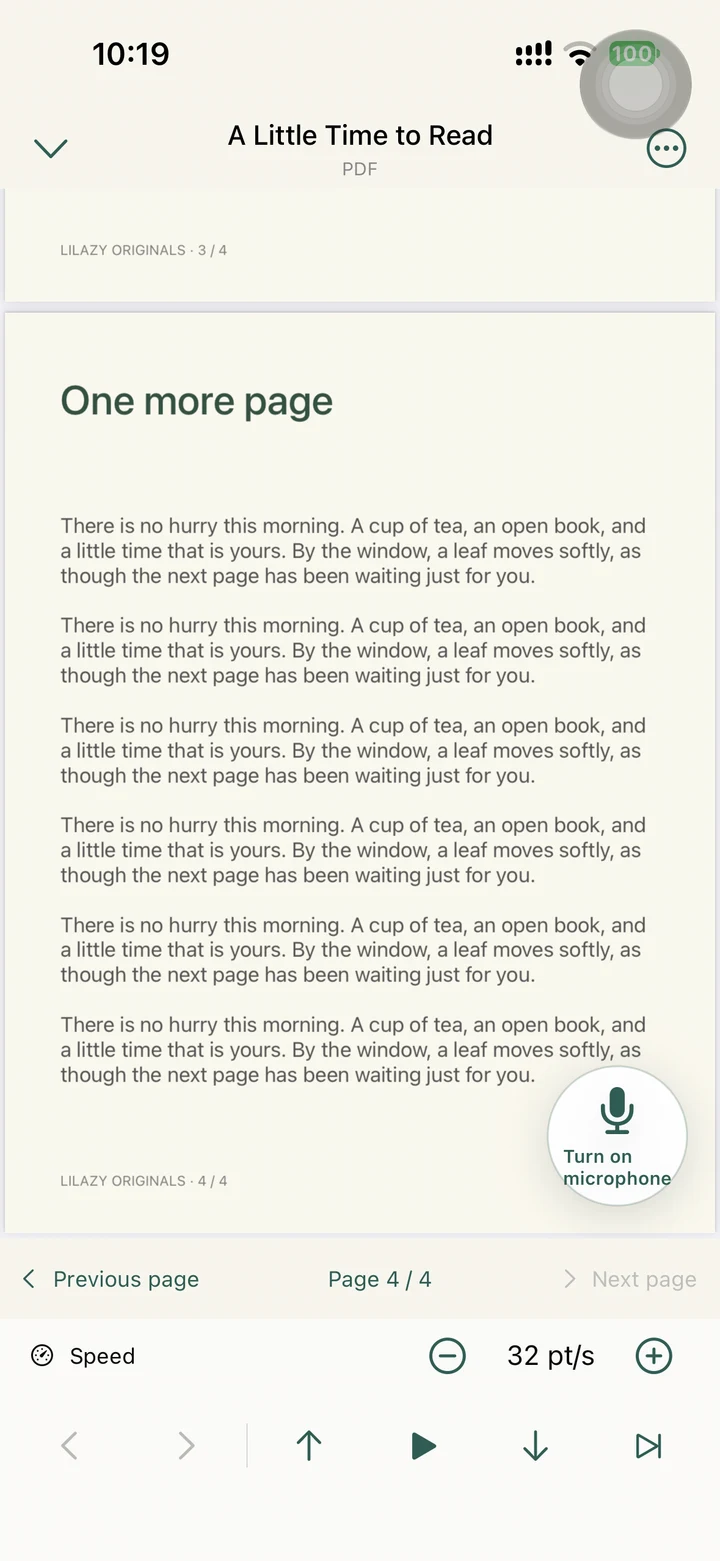
Read original PDF pages with continuous automatic scrolling.

Move to the next PDF page and return to your library.

Recorded from a development build in iPhone Simulator using original Lilazy reading fixtures. This is not a physical-device recording. The microphone is not enabled in this video.

Artwork credits & licenses

A closer look

Read, hands free.

The idea

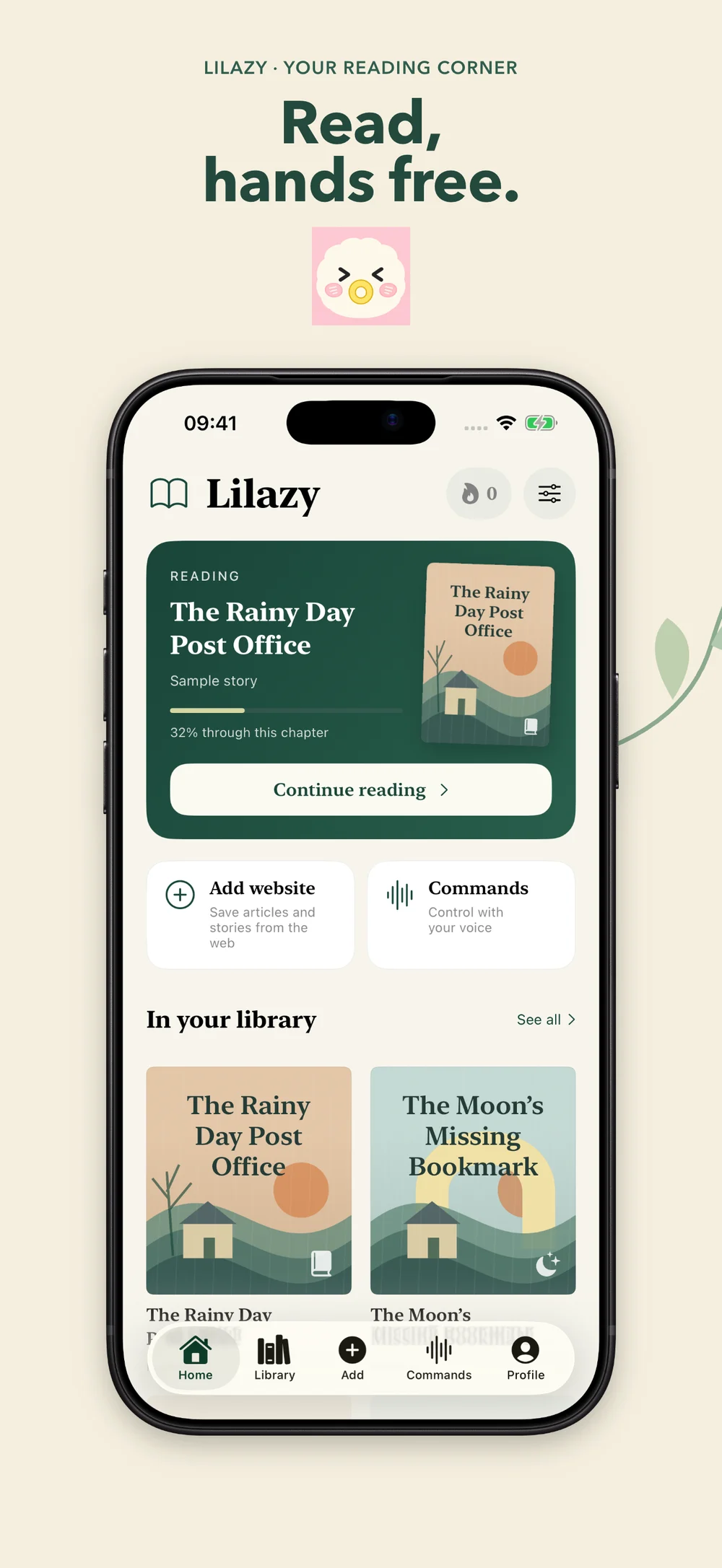
Make a little room for your next page. Lilazy opens your story links, saves your place and lets you scroll by voice when your hands need a break.

Bring PDF, DOCX, EPUB or TXT files from Files, choose covers and collections, and return to where you stopped. Scrolling ranges from 10 to 500 points per second, with shared settings or a separate setup for each story.

The command intent model runs on your device. Apple Speech offers on-device-only recognition or explicitly permitted network processing when needed. Microphone access is optional. Original files are processed locally. In 1.4.1, only after you explicitly enable online translation, text may be sent to llm.hypertek.vn. The server keeps troubleshooting logs and does not use content for training.

Lilazy supports English and Vietnamese, without an account, in-app purchase or subscription. Available on the App Store. Update 1.4.1 is being prepared for review; the App Store link always shows the released version.

In depth

Lilazy: One small phrase. One more page.

01

Start with your own link or file

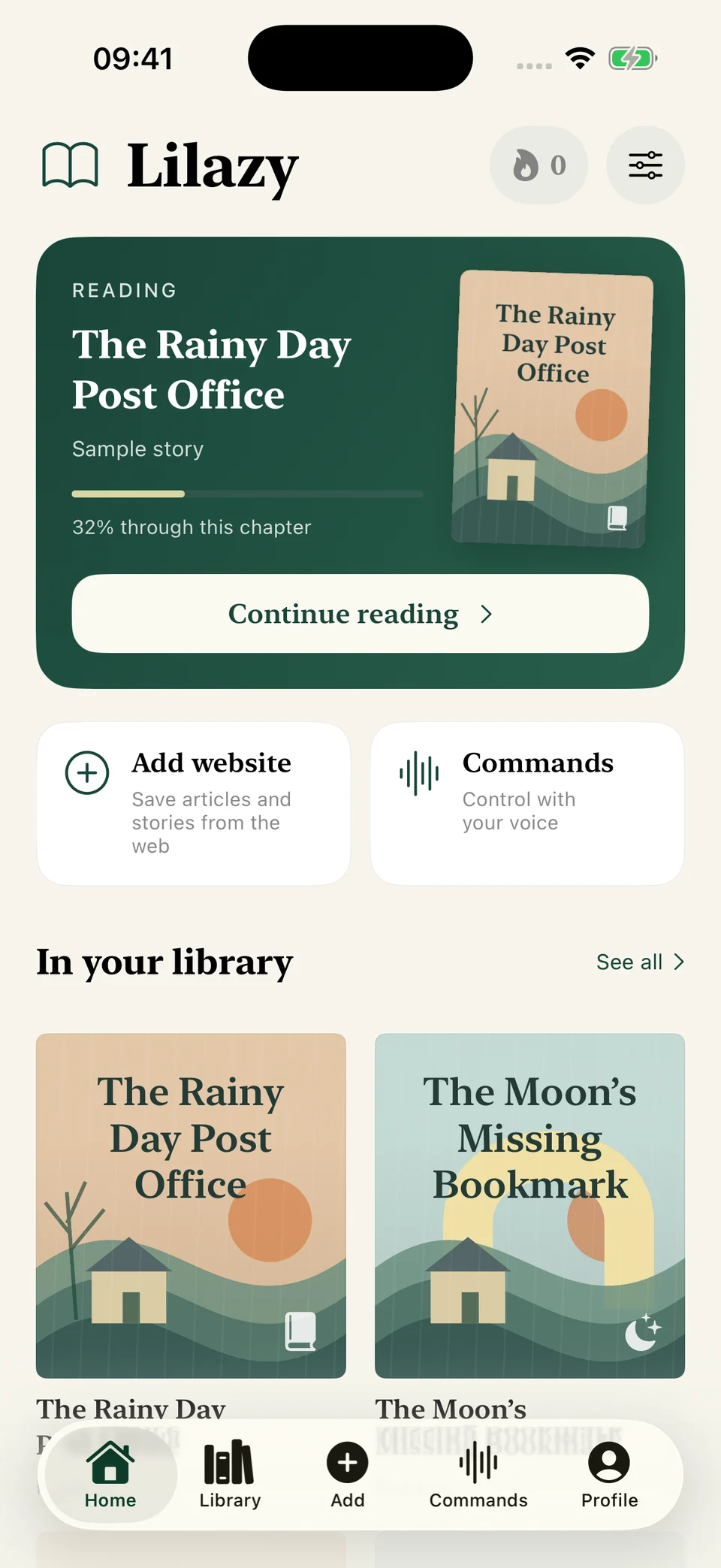
Add a web link, PDF, Word DOCX, EPUB or TXT from Files. The first-use guide takes you from adding content to reading. Once your library has a title, Home focuses on continuing your reading.
Start with your own link or file
02

A pace that feels right

Use +/−, say “faster”, “twice as fast” or “speed 150”. Choose your own increments and a speed from 10 to 500 points per second. Changes are saved for all reading or for a single story.

A pace that feels right
03

Keep your PDF pages

Scroll continuously, choose a page, go to the top or bottom, and save your place. Read aloud requires selectable PDF text; scanned-page OCR is not included. DOCX creates a local reading copy and may differ from Microsoft Word layout.

Keep your PDF pages

What’s inside

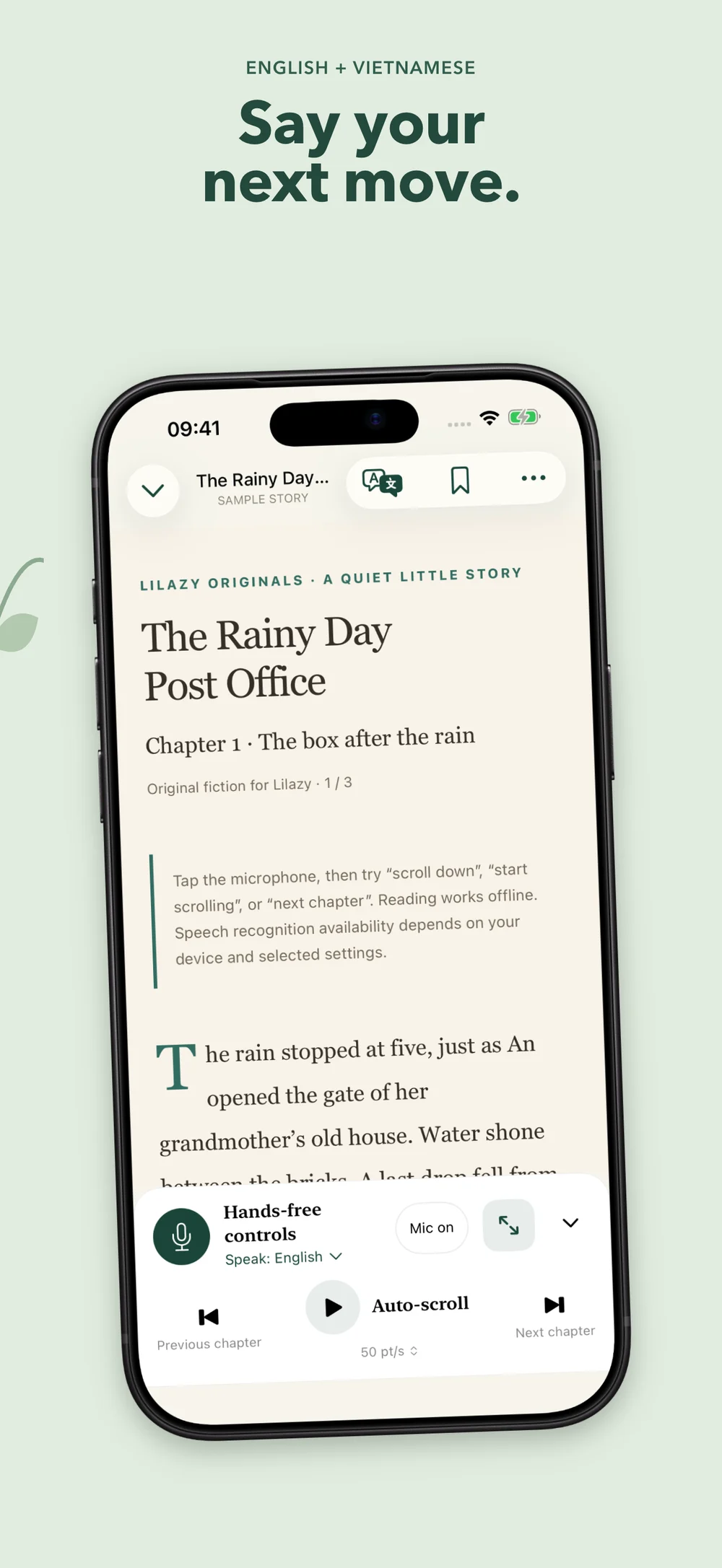
Say your next move

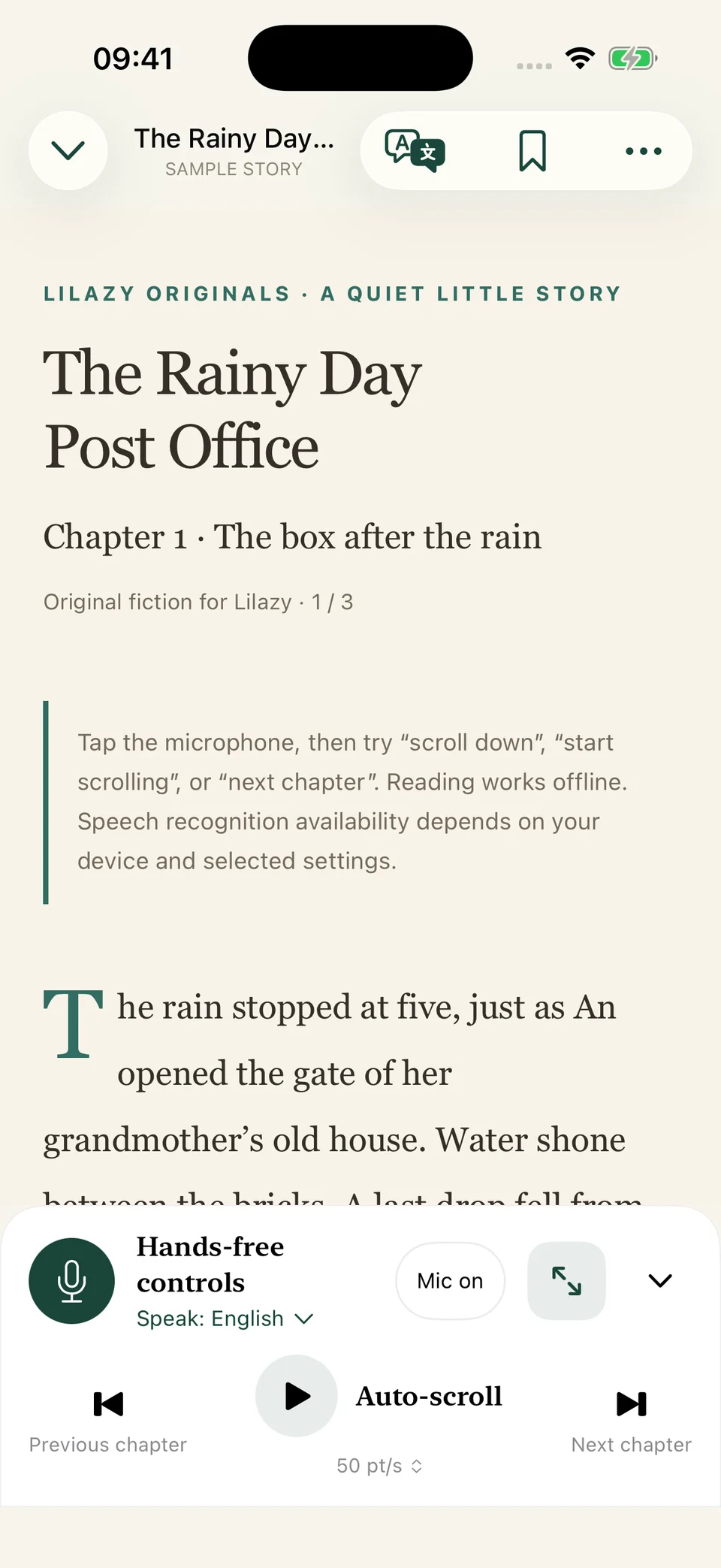
Scroll, pause, go to the top or bottom, bookmark and change chapters in English or Vietnamese.

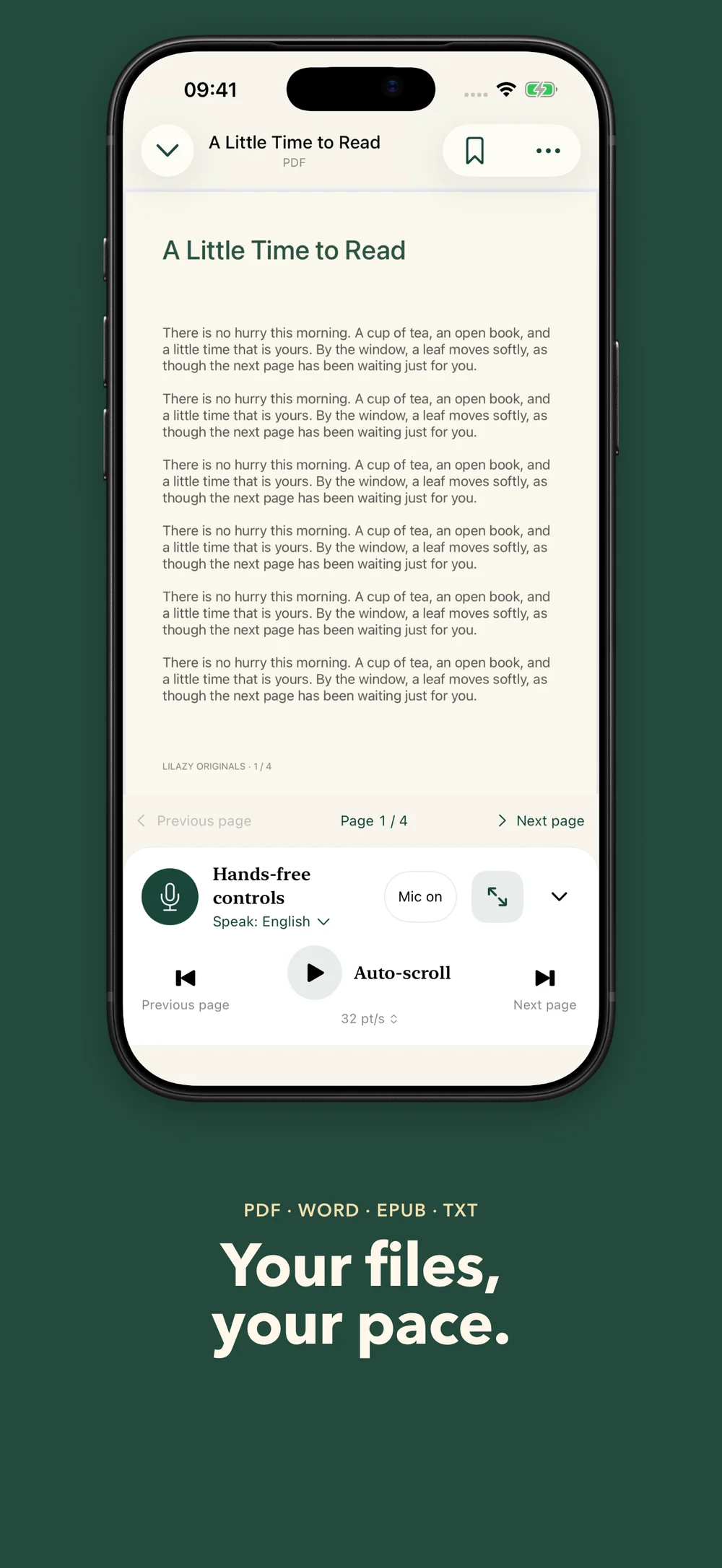
Your files, on your device

PDF keeps its original pages. DOCX becomes a local reading copy with supported paragraphs, tables and images. EPUB and TXT are included.

Read at your own pace

10–500 points per second, adjustable increments and settings shared across reads or saved for one story.

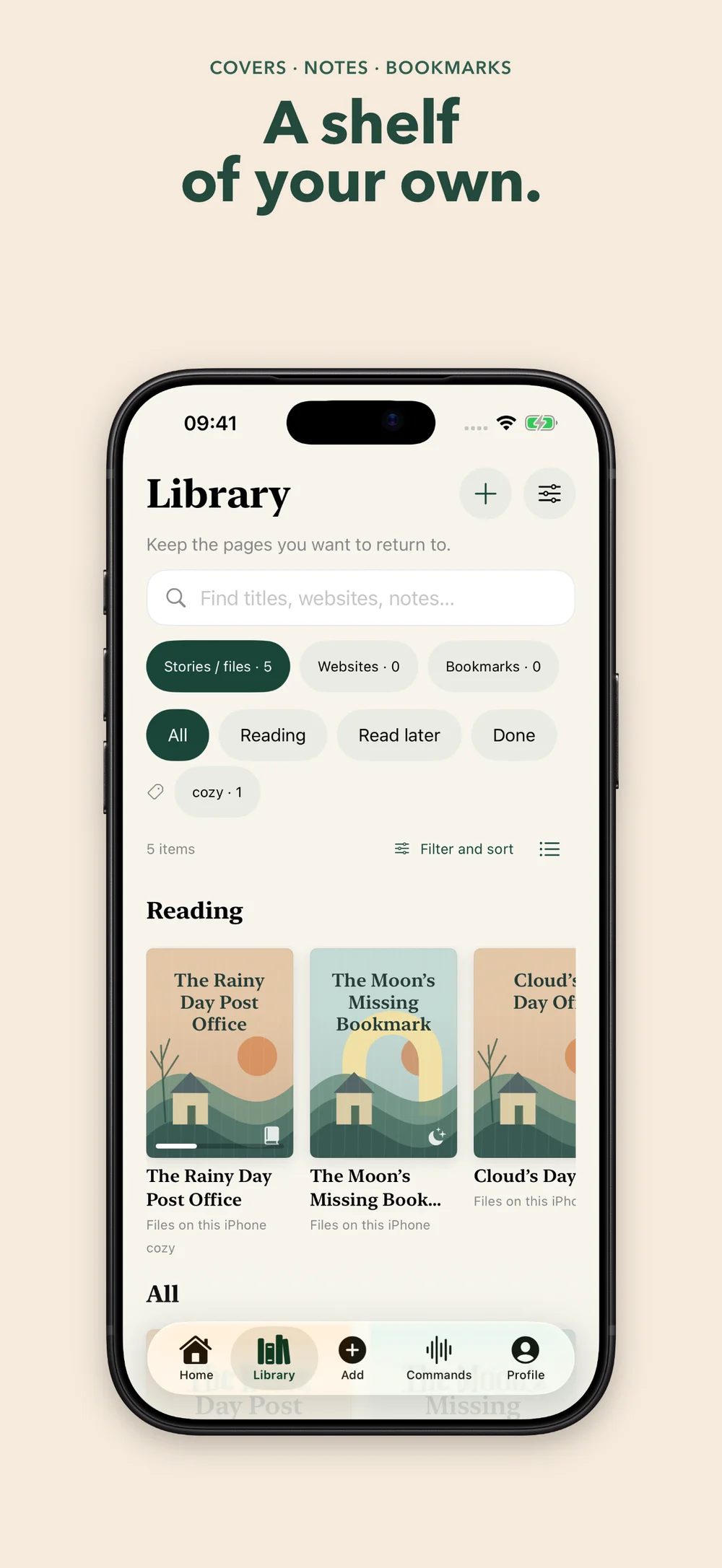
A little shelf of your own

Cover photos, icons, bookmarks, notes, tags, collections and full backups.

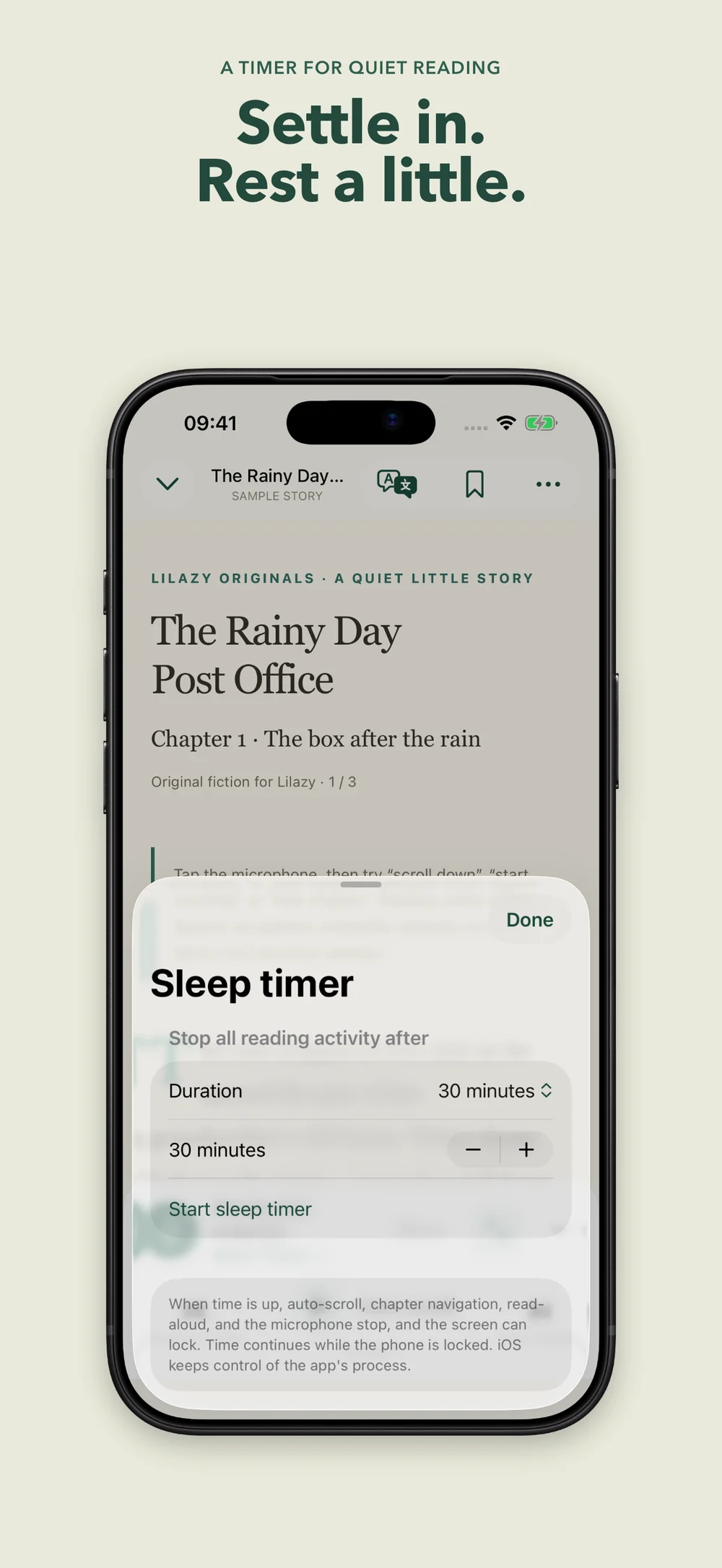
Time to settle in

A sleep timer stops reading, scrolling and the microphone. Automatic next chapter works when a suitable destination is found.

Open tools, clear choices

Ad reduction uses EasyList, ABPVN and AdGuard; text mode uses Mozilla Readability. Online translation in 1.4.1 is optional and requires explicit consent; see the privacy policy for server data and logs.

Good to know

Is Lilazy released yet?

Lilazy is available on the App Store. New 1.4.1 features become available after Apple approval and release; check the current version at the App Store link.

Does the app support English?

Yes. At the top of Settings, choose App language (System default, Tiếng Việt or English) and Voice command language (Tiếng Việt or English) independently. For example, keep the interface in Vietnamese while speaking English commands. Each choice is saved locally; story content is not translated.

Does AI receive my documents?

Command understanding and comic OCR run on your device. Online AI translation starts only after explicit consent in the welcome, first translation or Reading options. With consent, online AI translates first and Apple Translation on iOS 18+ takes over if it fails. Choose Use Apple's translator to keep translation on the device. Only text, language codes and limited context go to llm.hypertek.vn; troubleshooting logs may include submitted text, with no training use. Images and original files are not sent. Apple Speech is a separate voice-processing choice.

Can it read every scanned PDF and Word layout?

PDF keeps original pages, but scans without a text layer have no OCR for read aloud in this version. DOCX converts supported content and cannot guarantee exact Word layout. Imports have a 100 MB input limit and additional format limits.

Does it work with every site and remove every ad?

No. Layout, login, image loading and ads are controlled by each website. Manual chapter-button selection and per-site filter exceptions can help. Lilazy does not bypass paywalls or DRM.

Do I need an account, payment or iCloud?

No Lilazy account, subscription, in-app purchase or AI credits. Included features are free. This build does not enable CloudKit library sync. You can export a full private backup instead.

More to explore