Skip to content

Coming soonVietnamese lunar calendar & family

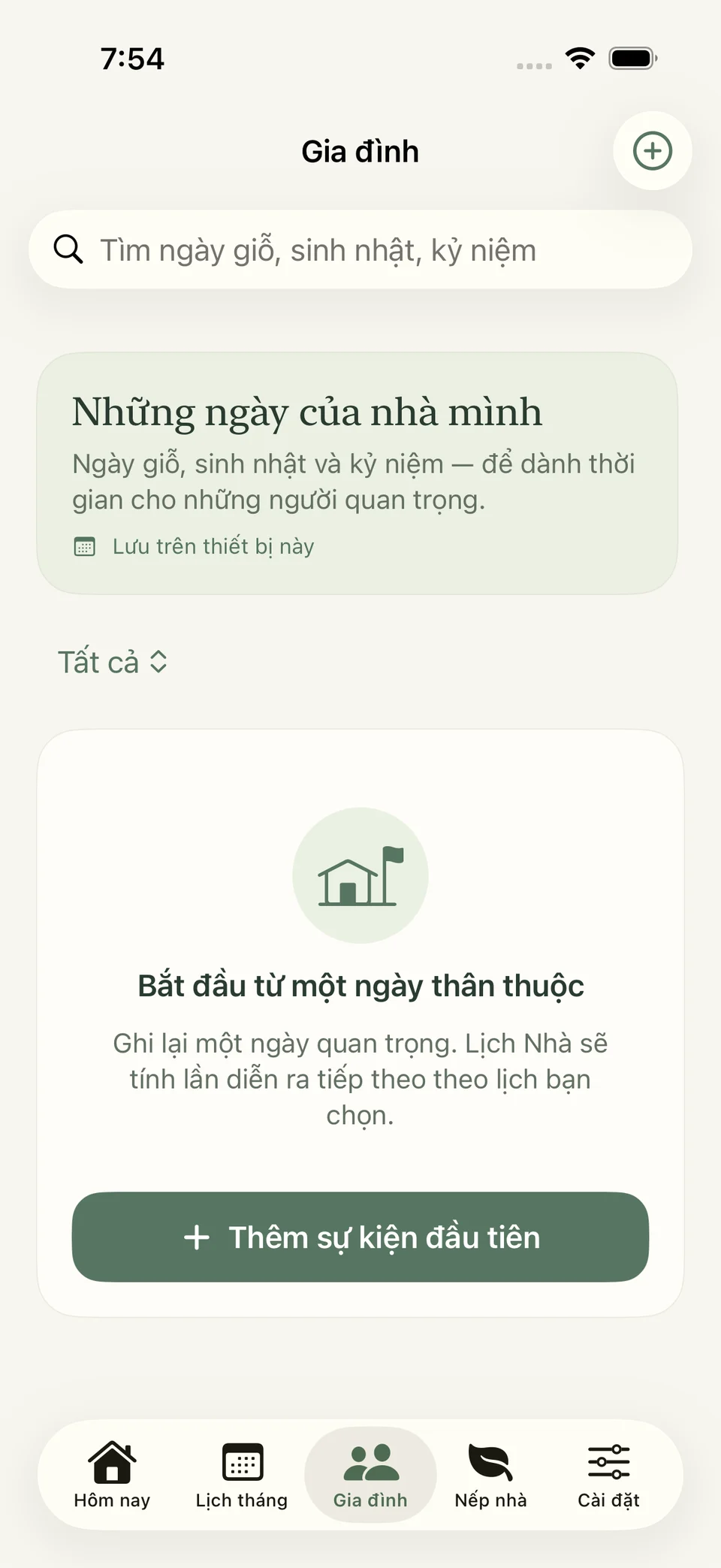
Lịch Nhà

Remember the day. Remember home.

  • iPhone
  • iOS 17+
  • Vietnamese
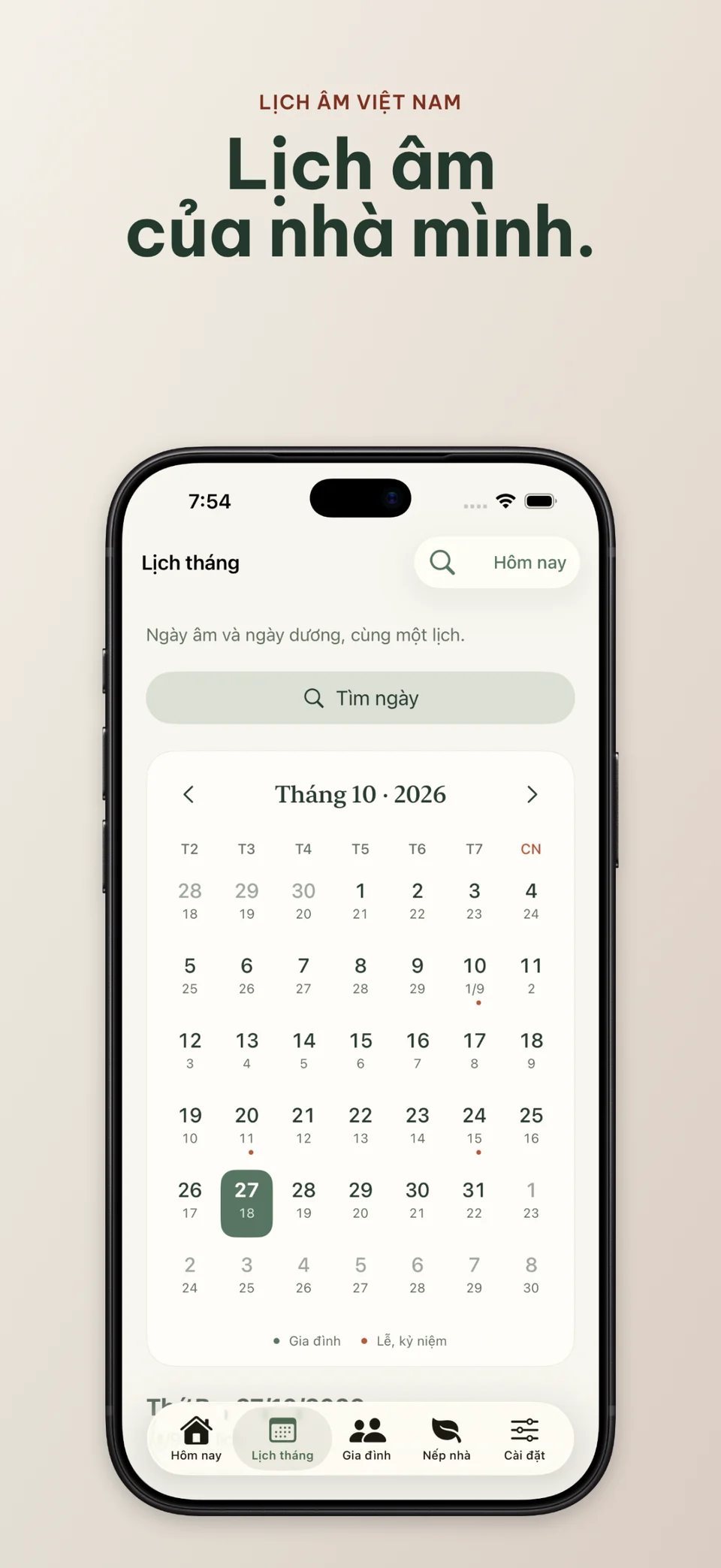
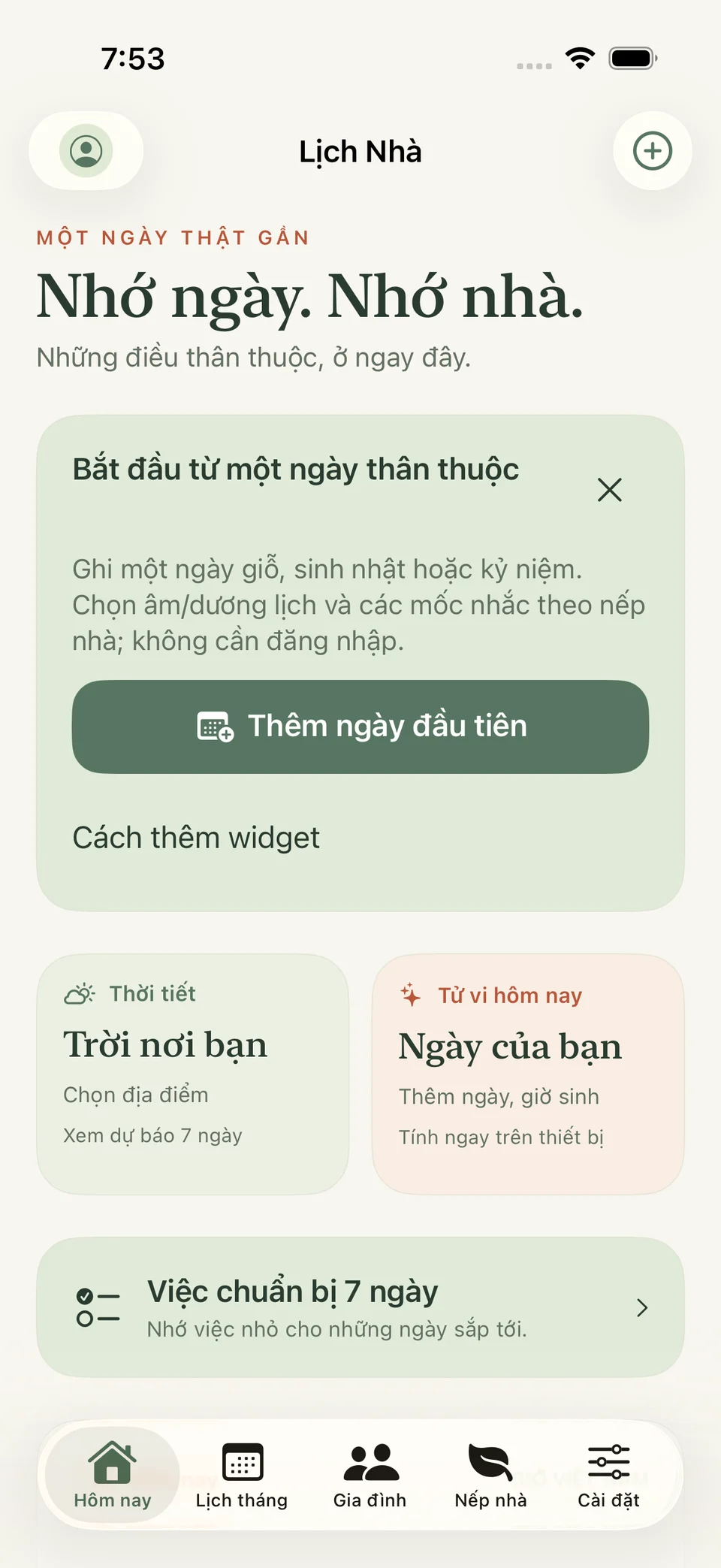
Mobile view: Lịch Nhà

A closer look

Vietnamese app interface

The idea

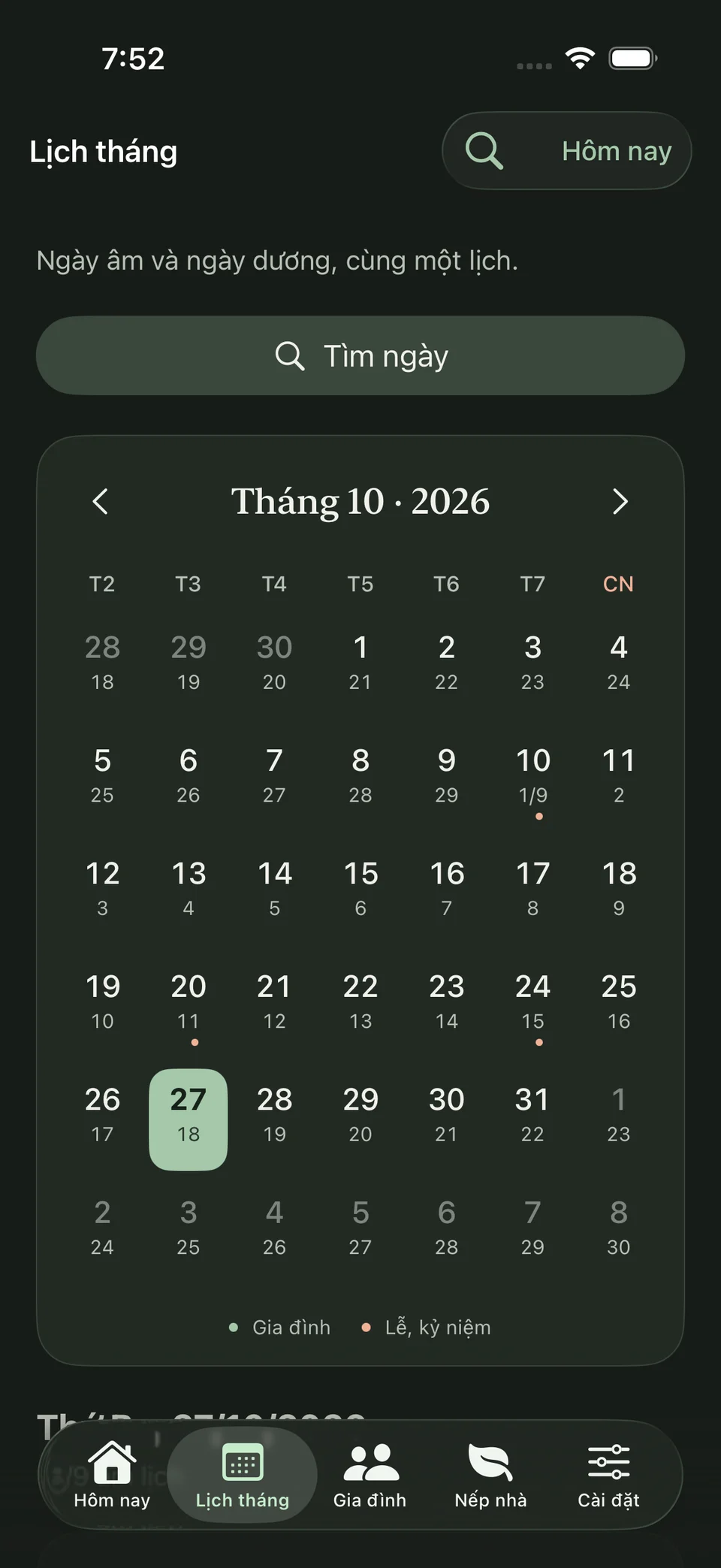
Keep Vietnamese lunar and solar dates, family anniversaries, birthdays and preparations together. Add reminders, search dates and explore cultural references.

No account is needed. Family events and profiles stay on your device. Export or import a JSON backup and erase local data in Settings. Optional weather sends rounded regional coordinates to MET Norway, which retains access logs including IP addresses. Read the privacy policy for details.

Preparing for App Store release. The app interface is currently in Vietnamese. Screenshots show the running app and prepared marketing artwork.

In depth

Lịch Nhà: Remember the day. Remember home.

01

Who it is for

Lịch Nhà is for the person in the family who ends up remembering the dates: the eldest child who organizes the grandparents' death anniversaries, the parent who keeps track of every relative's birthday, or the one who lives far away but still wants to call home on the full moon.

If your family observes dates on the lunar calendar, they land on a different solar date every year. Lịch Nhà works out the next occurrence for whichever calendar you choose, so you only need to enter each date once.

It also suits people who would rather not create an account or put family details on a server. Events, notes and profiles stay on the device, and you make your own backups. The app interface is currently in Vietnamese, for iPhone on iOS 17 or later.
Who it is for
02

A week before an anniversary

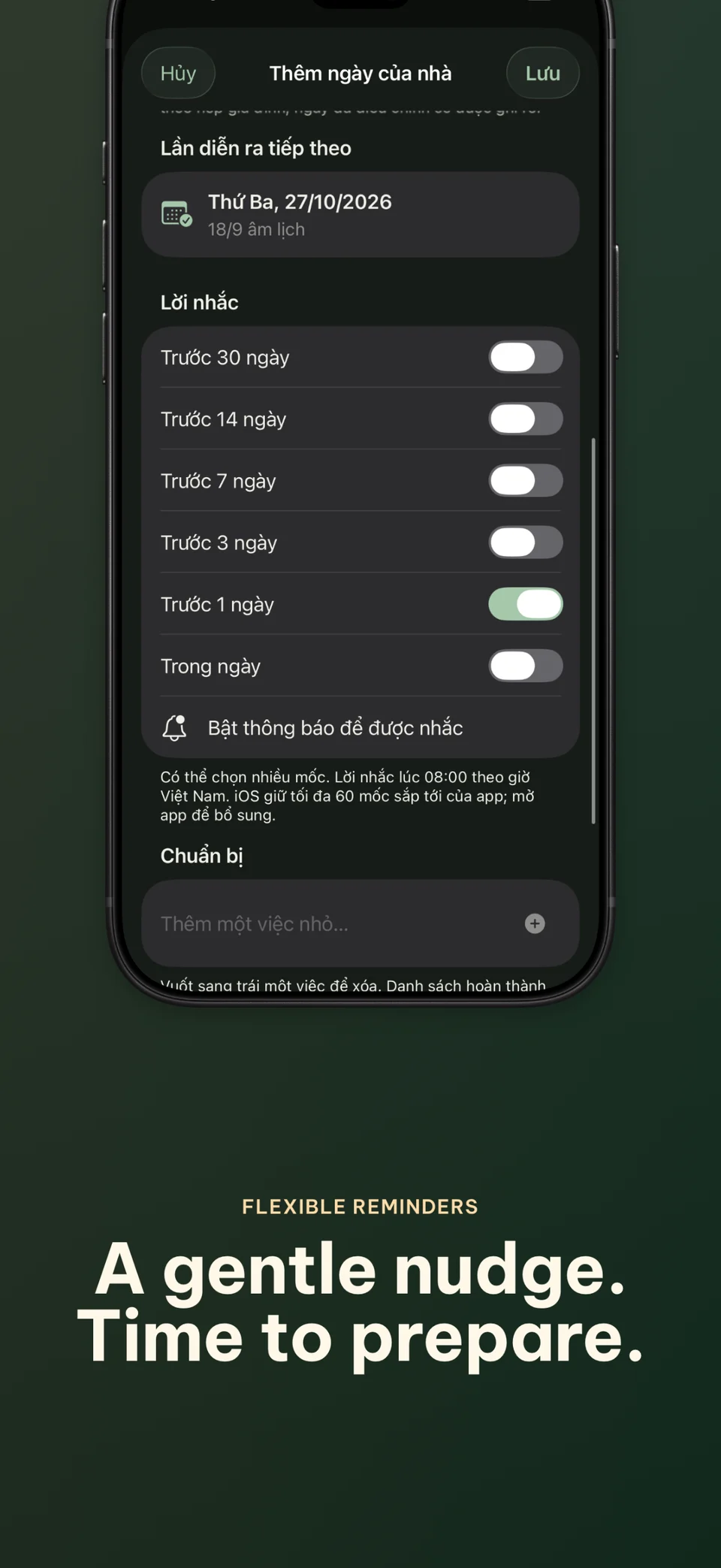
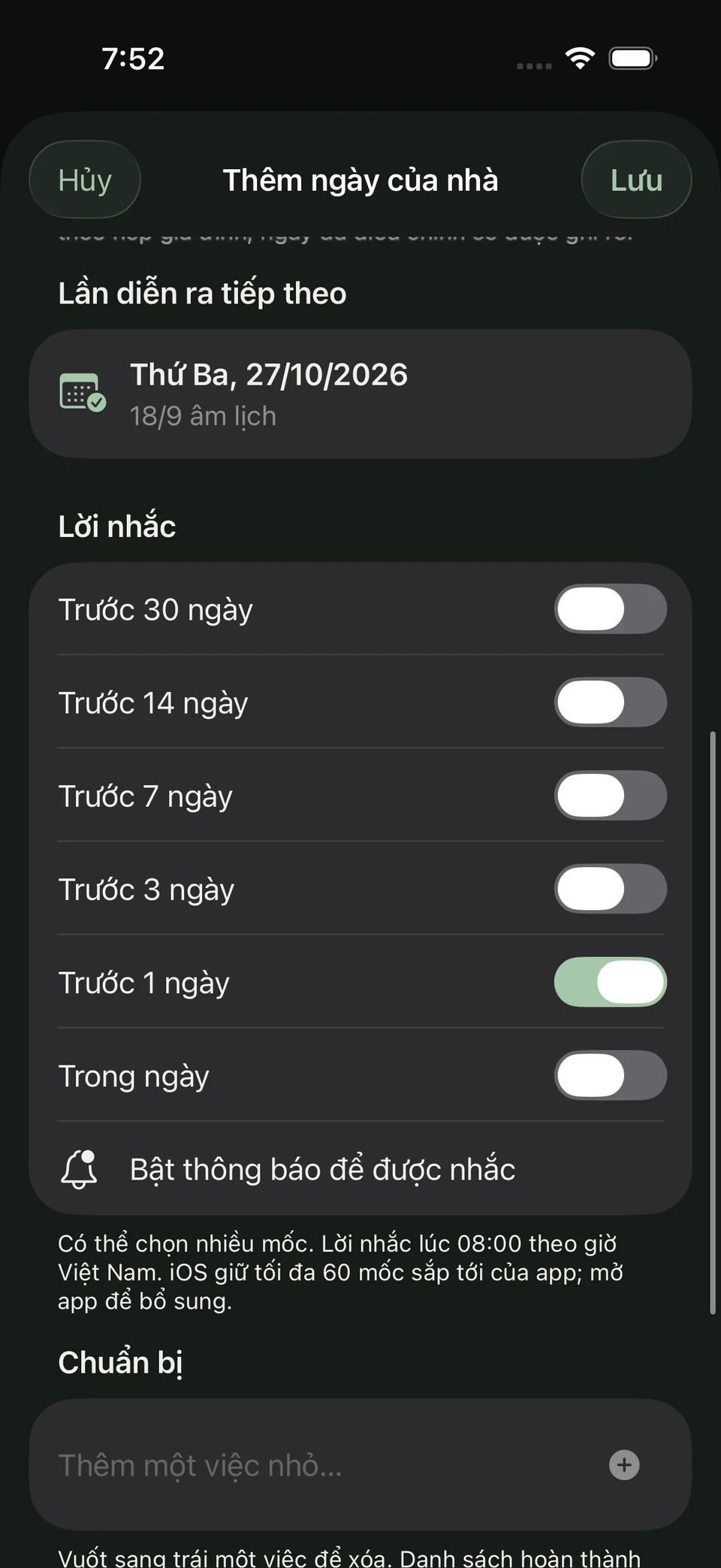
Say your family has a grandfather's death anniversary next month. When you create the event, you set it to repeat on the lunar calendar and switch on a few reminders: 30, 14, 7, 3 or 1 day before, or on the day. Reminders arrive at 08:00 Vietnam time.

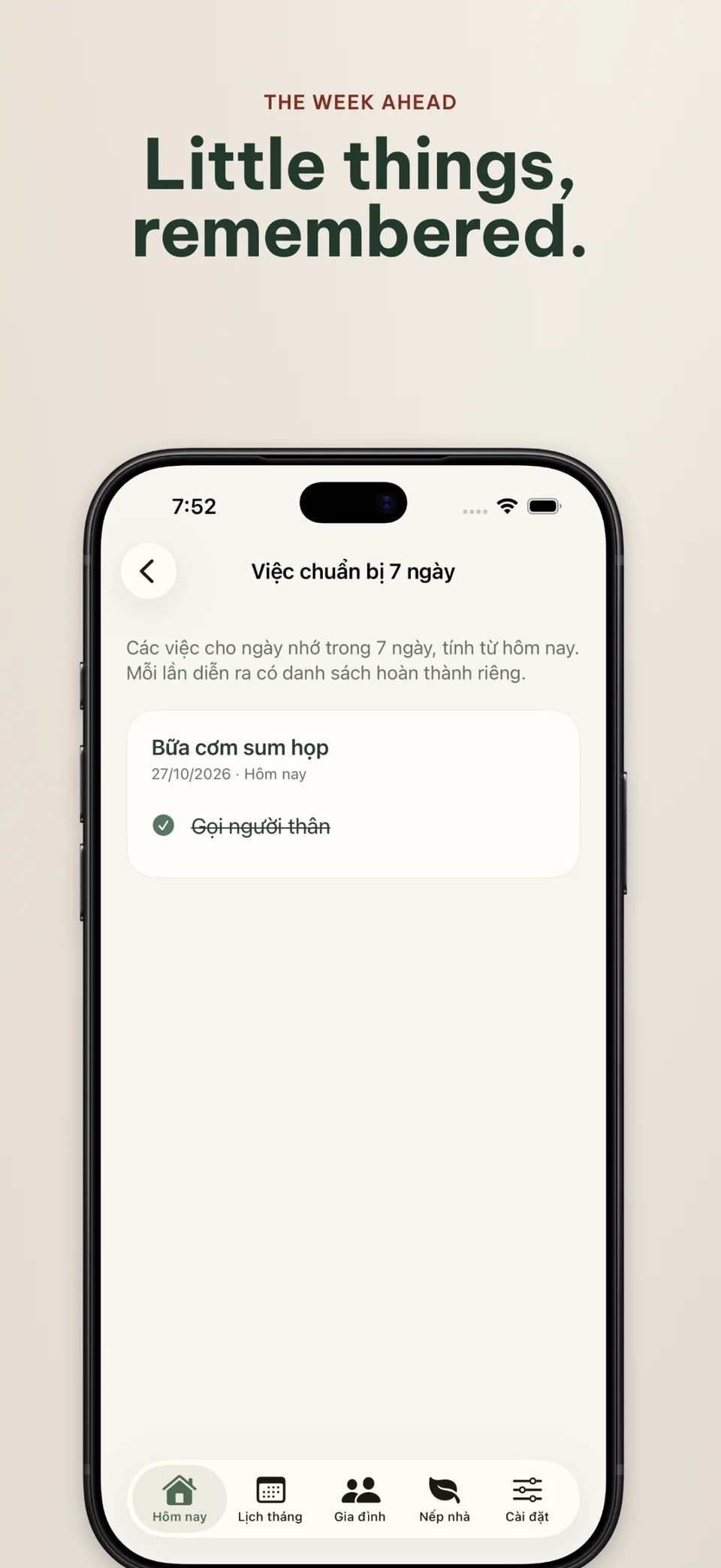
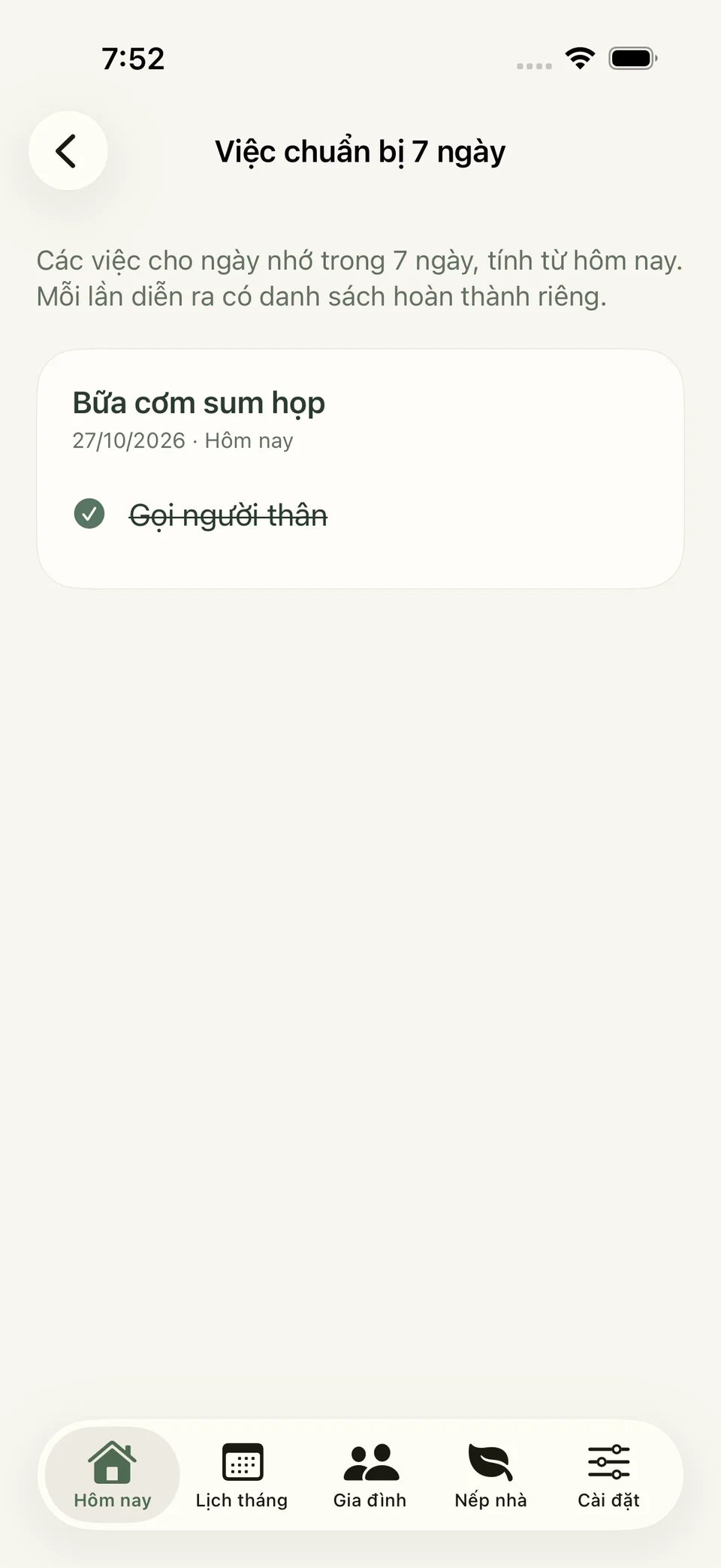
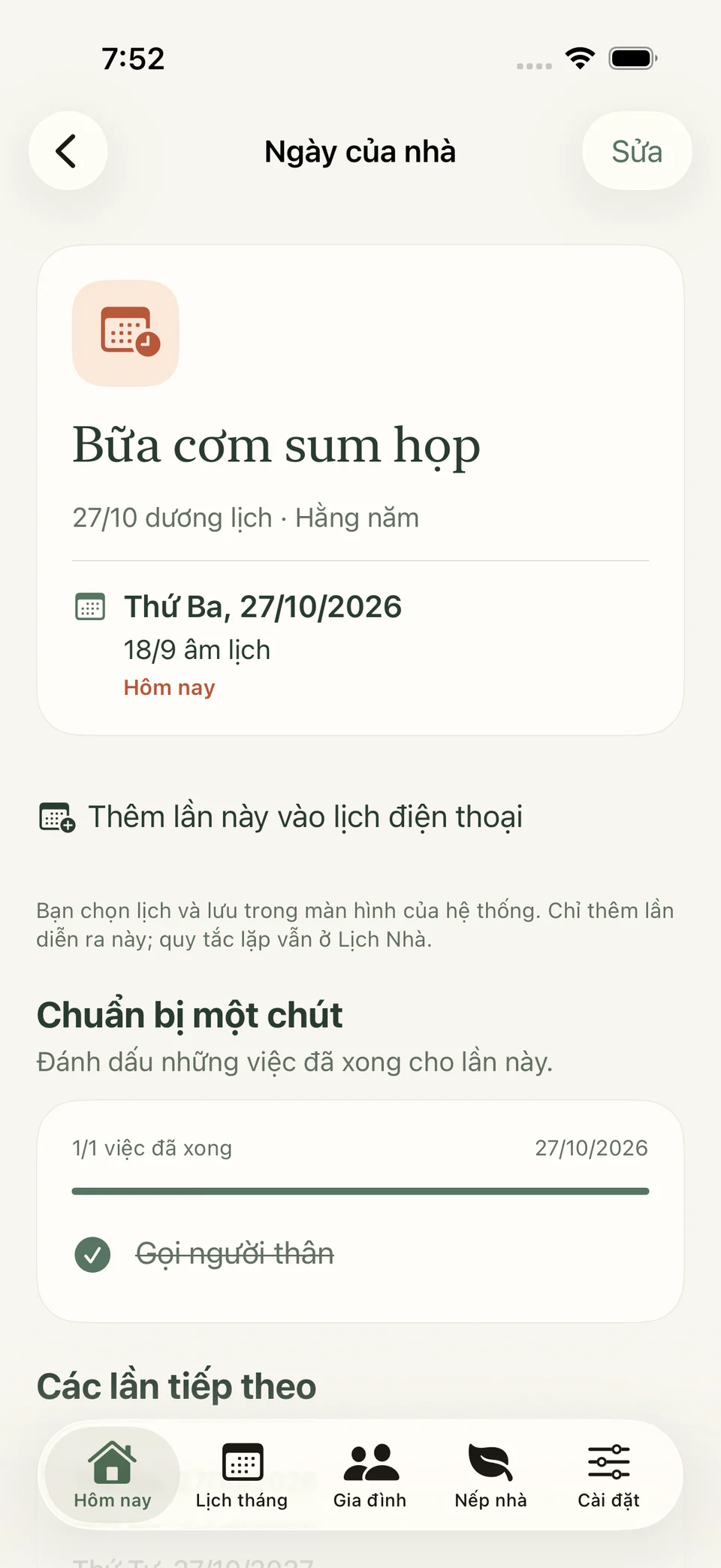
Seven days out, the 7-day preparation list on the Today screen shows the tasks you added: call the relatives, plan the offering tray, buy flowers. Each occurrence has its own checklist, so next year you start fresh without unticking everything.

If you like, you can add this year's occurrence to your phone calendar through the system editor. You decide whether to save it, and Lịch Nhà never reads your calendar.

A week before an anniversary
03

Get started in 3 steps

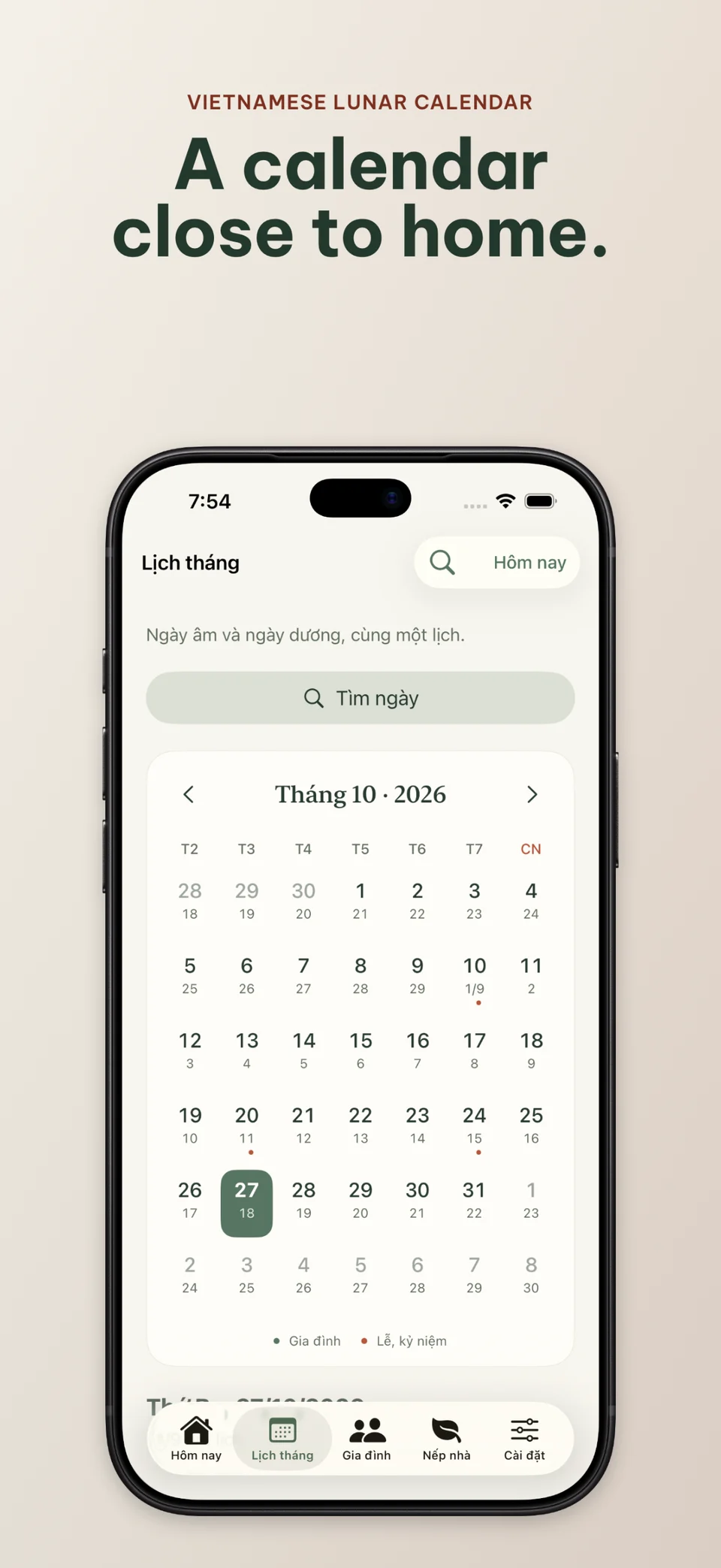
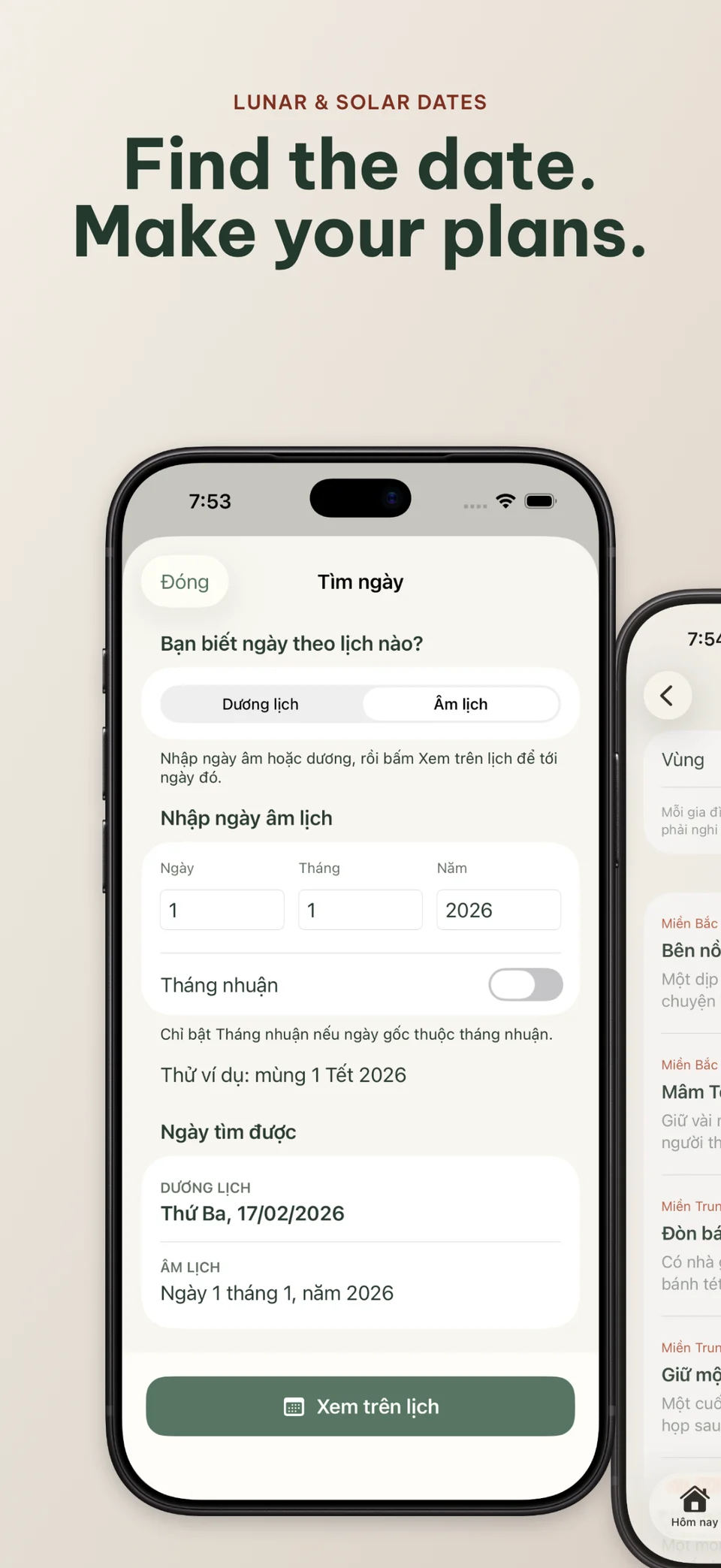
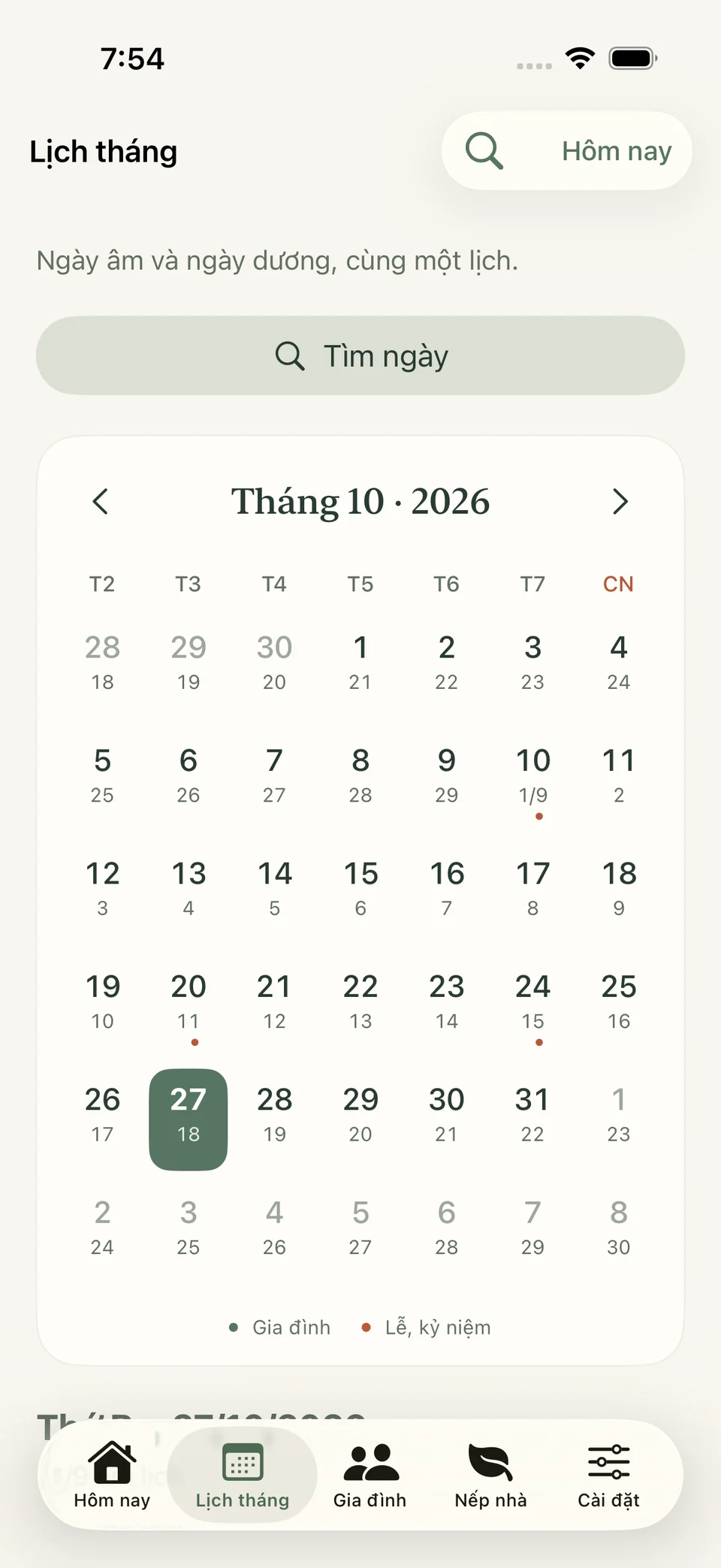
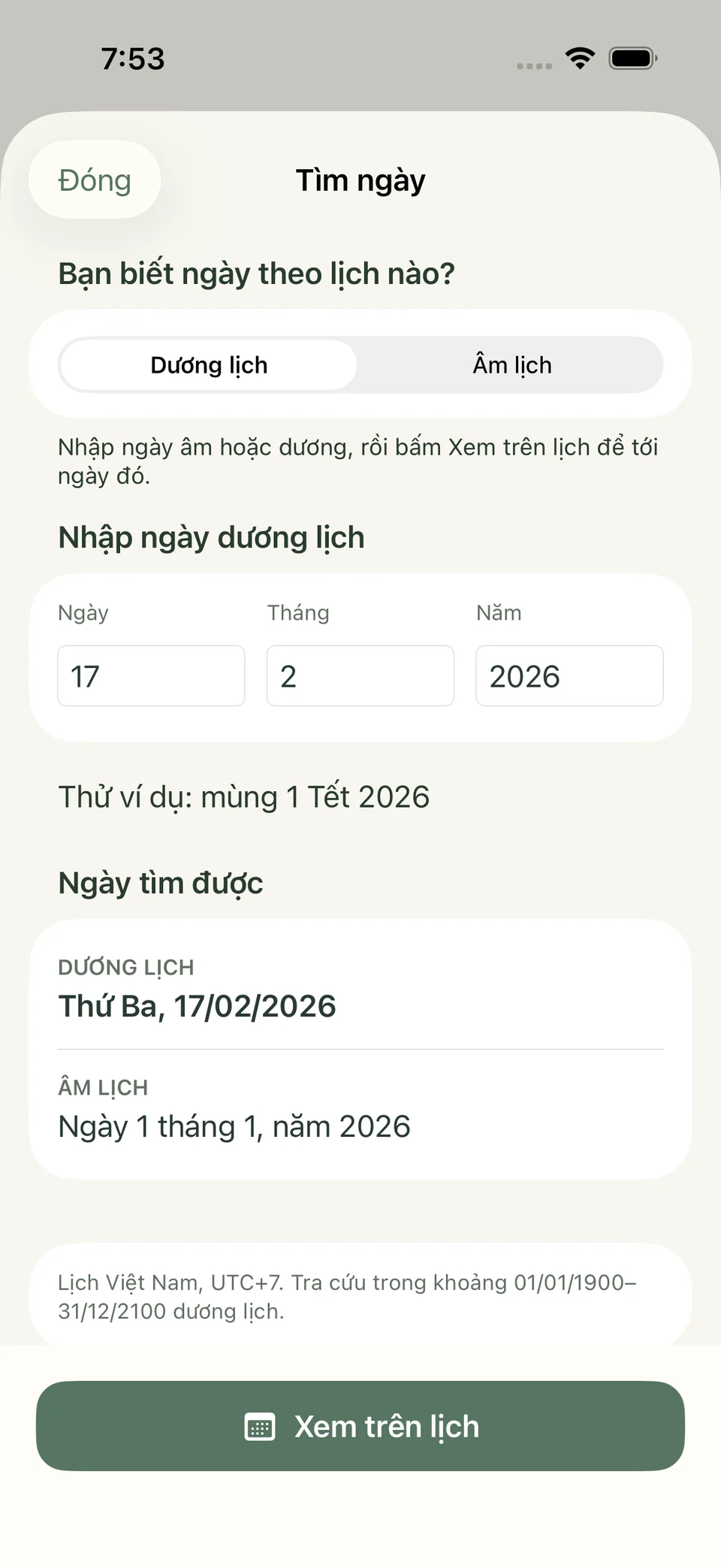
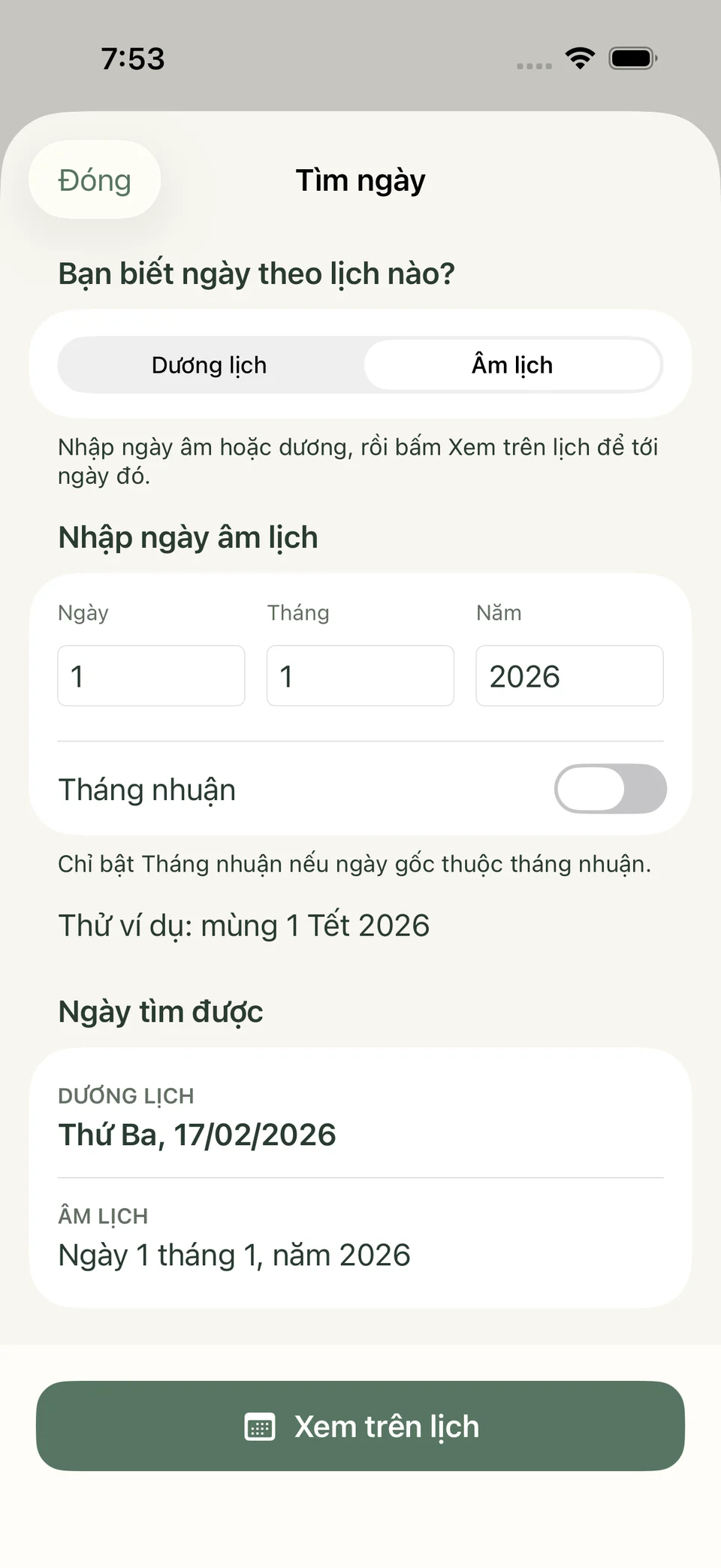
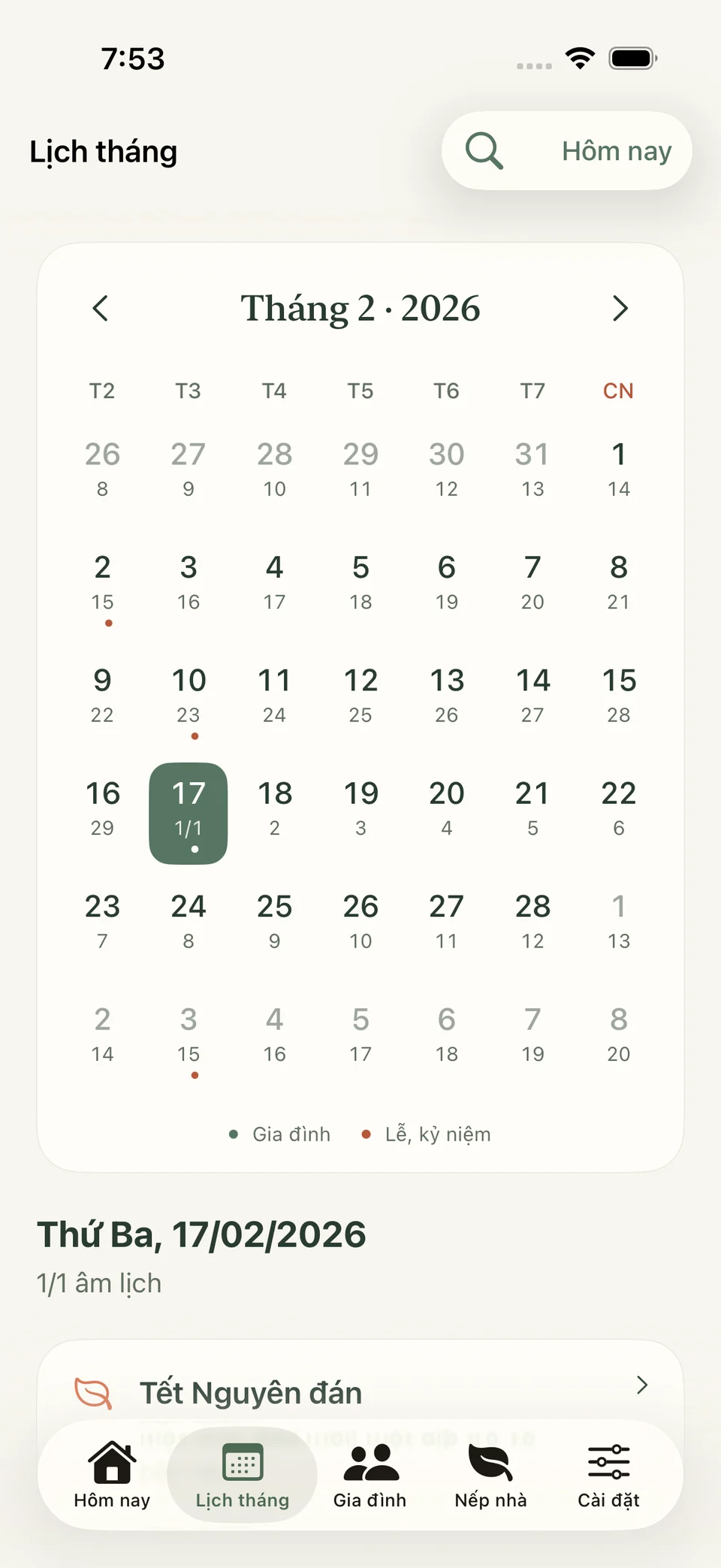
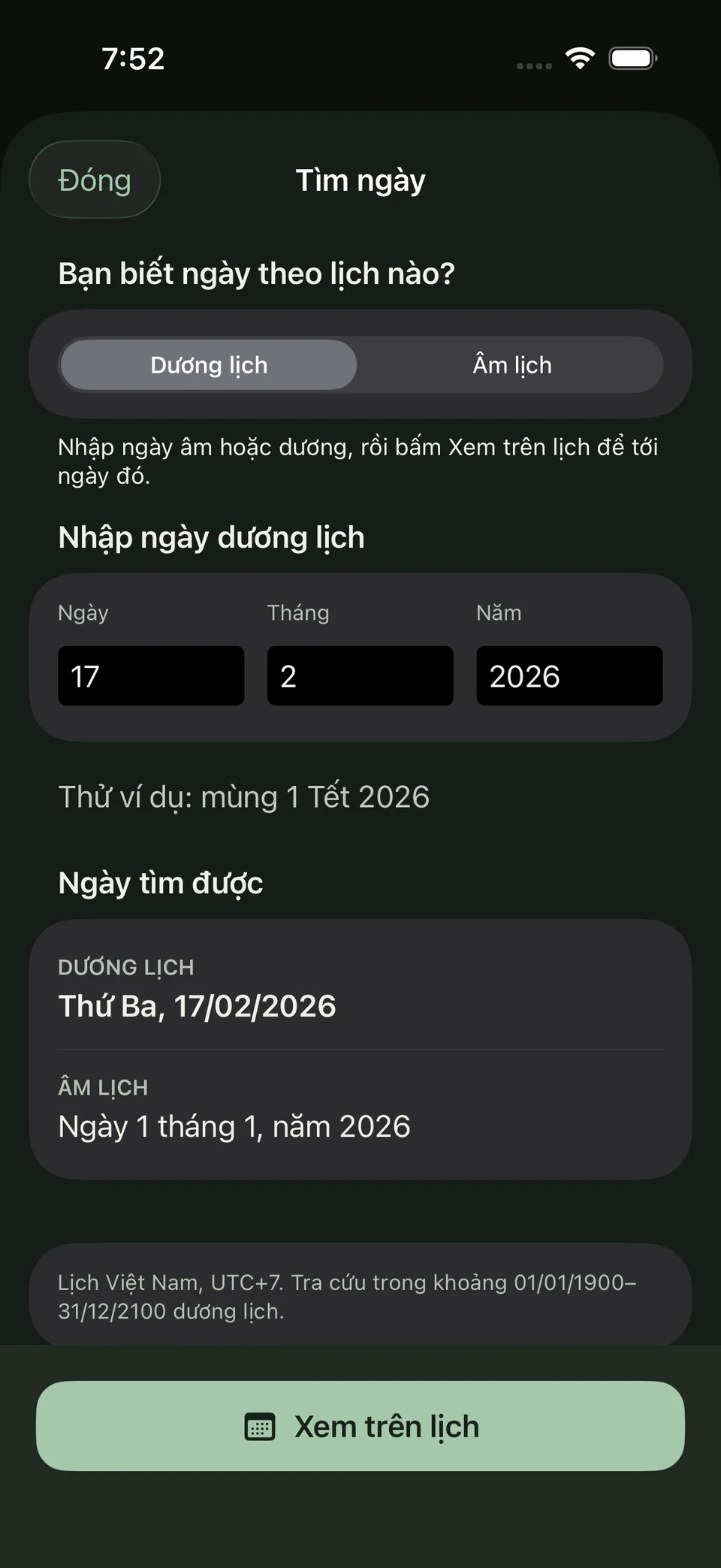
  1. Browse and search dates. Open the month view to see lunar and solar dates side by side, or use date search to enter a date in either calendar and jump straight to it.
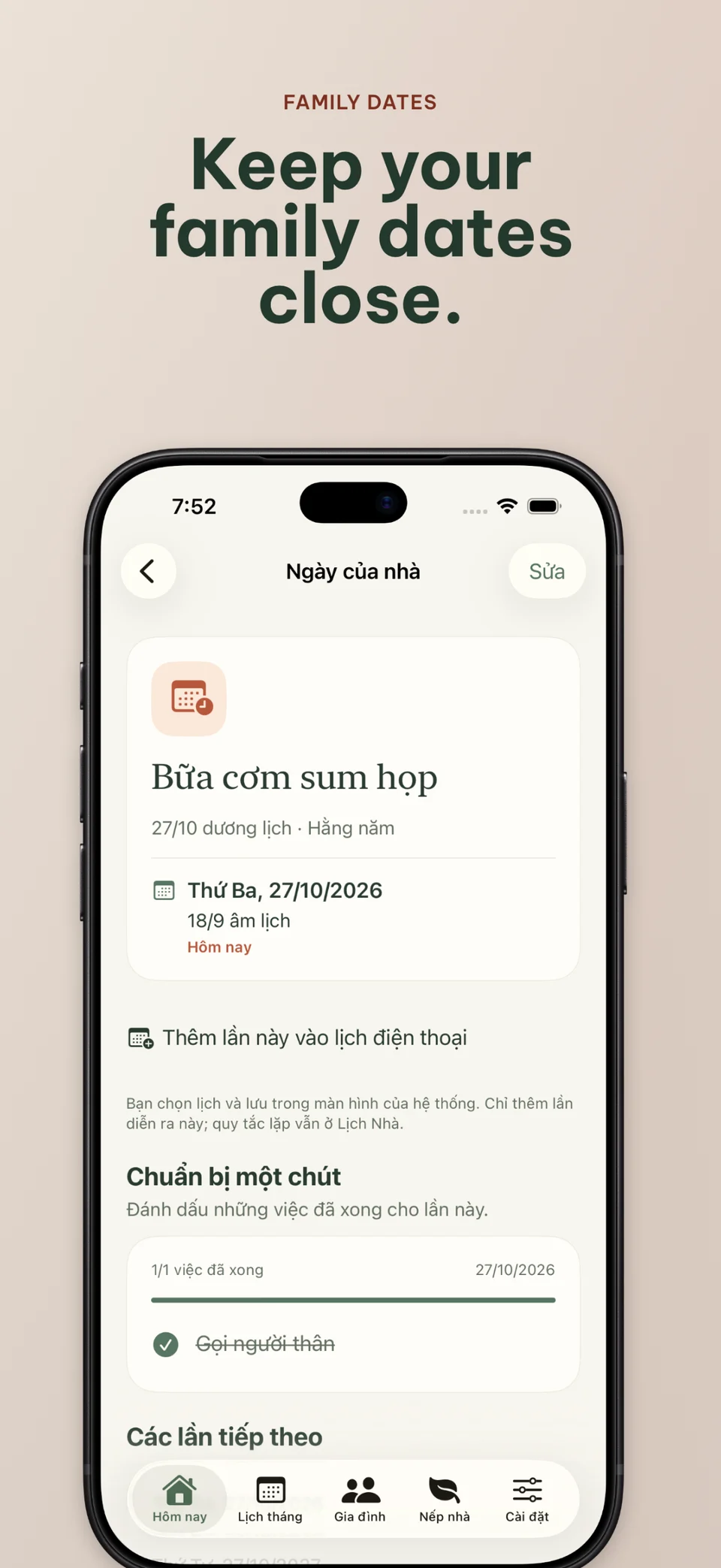
  2. Add your family dates. Go to the Family tab or tap the plus button, enter an anniversary, birthday or other occasion, choose lunar or solar recurrence and pick your reminders. Allow notifications so the reminders can reach you.
  3. Put it on your screens. Add a Lịch Nhà widget from the system widget picker.

The calendar and cultural content work offline, covering the years 1900 to 2100.

Get started in 3 steps
04

Traditions from three regions

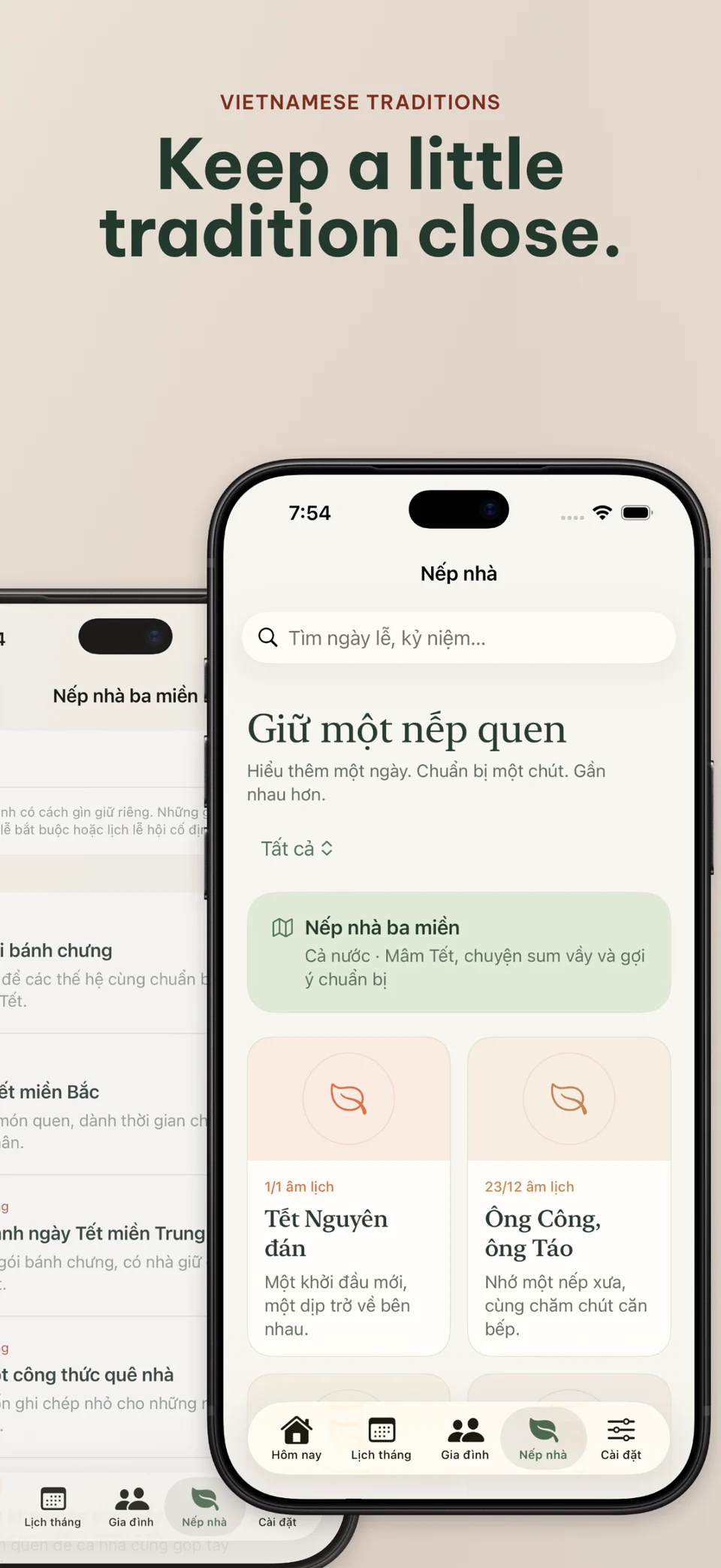
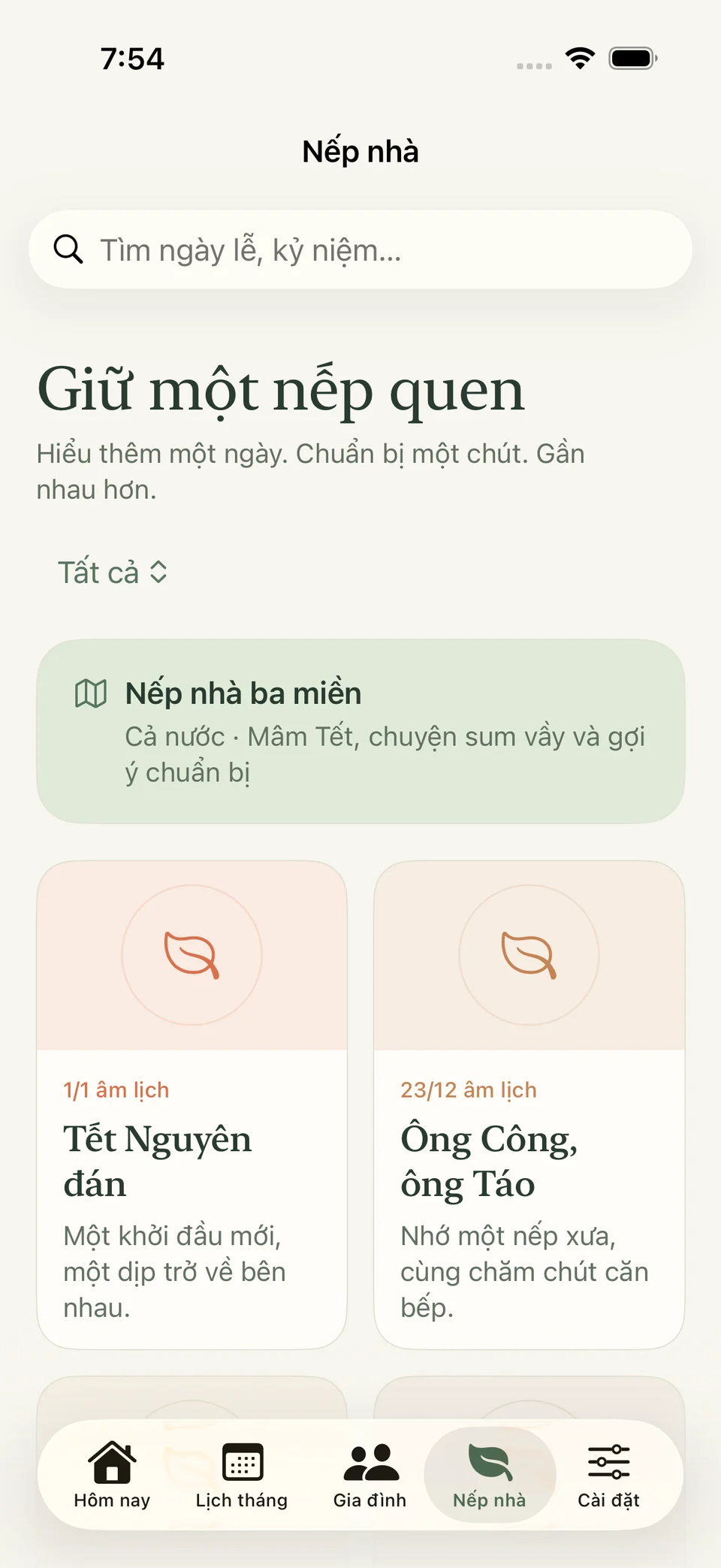
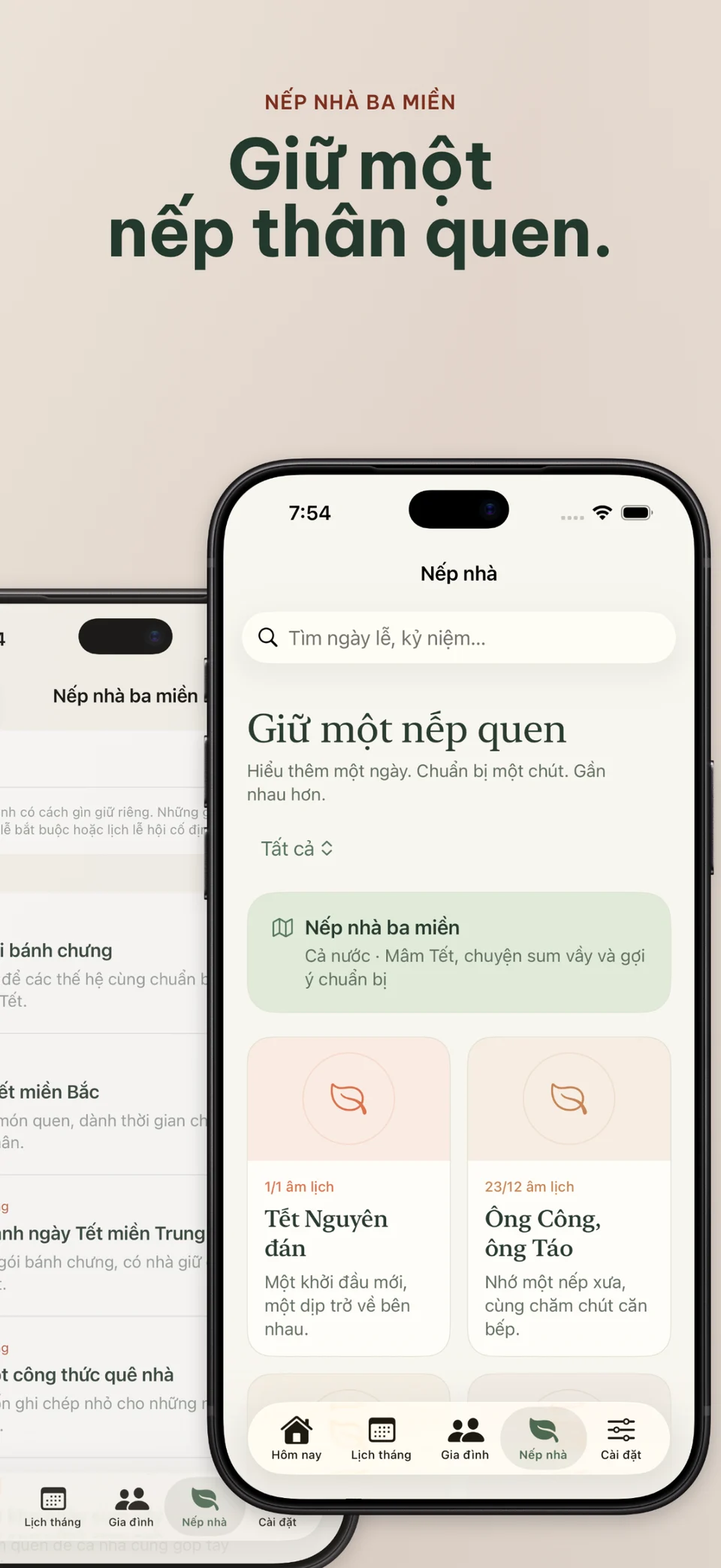
The Nếp nhà tab is a small library about familiar Vietnamese occasions, such as Lunar New Year on the first day of the first month or the Kitchen Gods' day on the 23rd of the twelfth month, with short stories and preparation ideas.

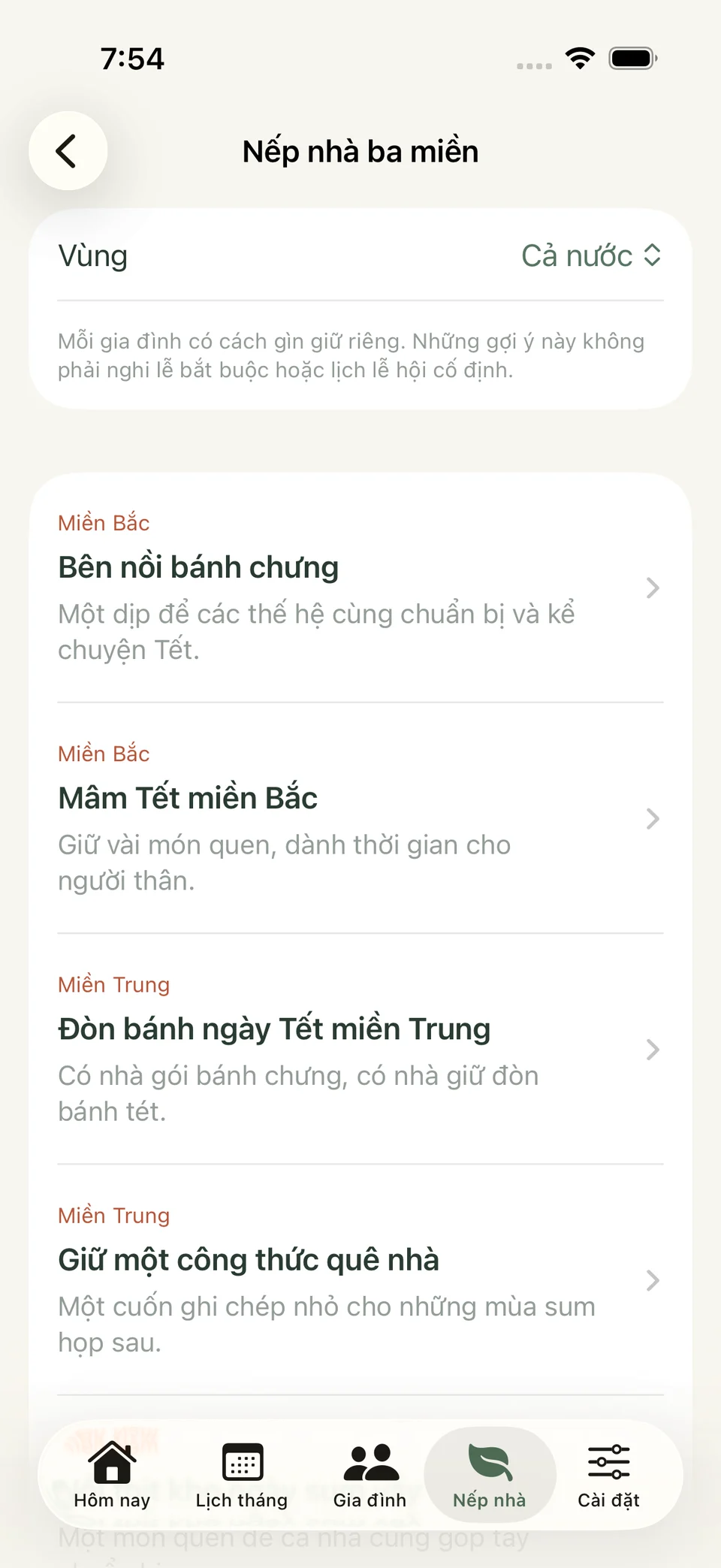
A regional section lets you filter by North, Central or the whole country. In the North, families gather around the pot of bánh chưng and set a traditional Tết tray. In Central Vietnam, some households wrap square bánh chưng while others keep the round bánh tét. There are small ideas too, like writing down a family recipe for future reunions.

The app is clear that these are references. Every family keeps its own customs, and none of this is a required ritual or a fixed festival schedule.

Traditions from three regions
05

Your data stays home

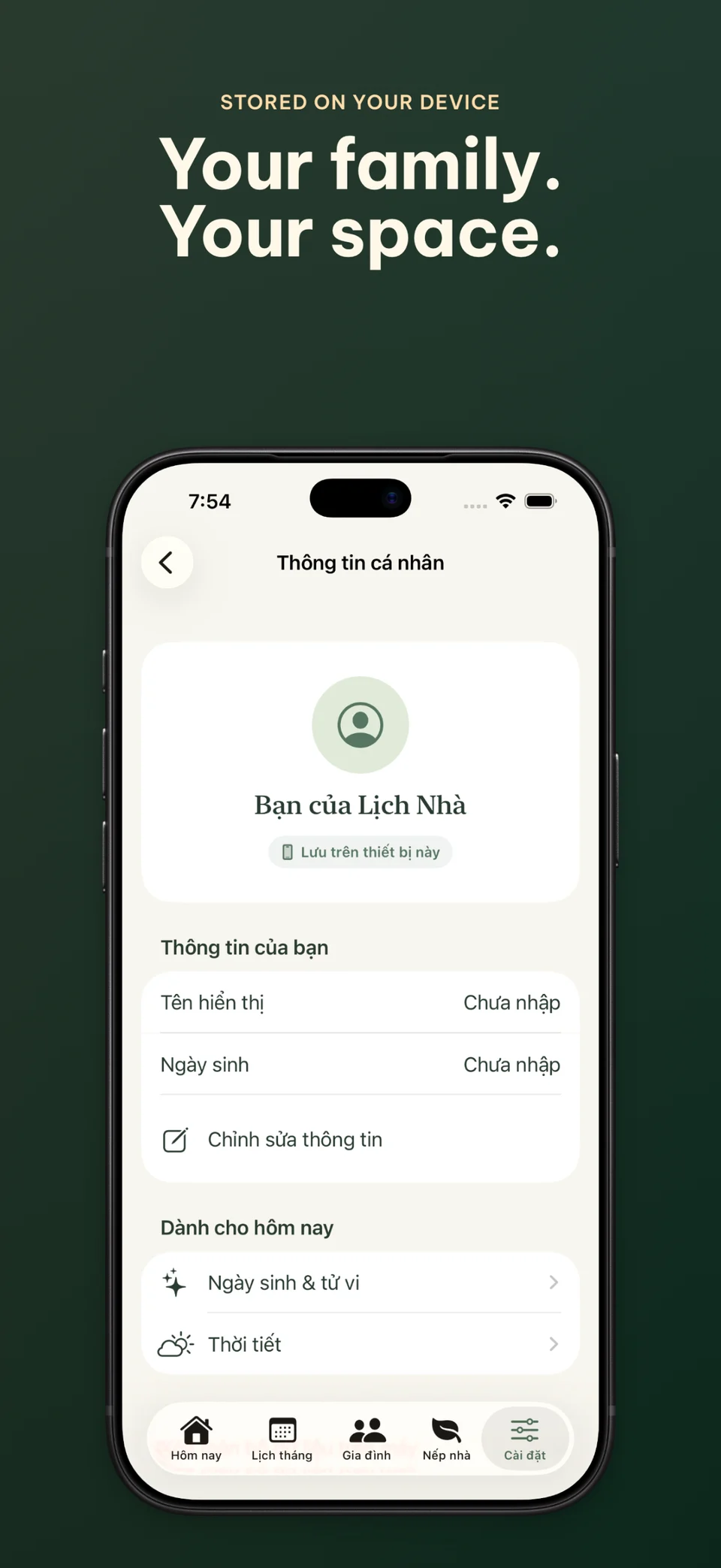
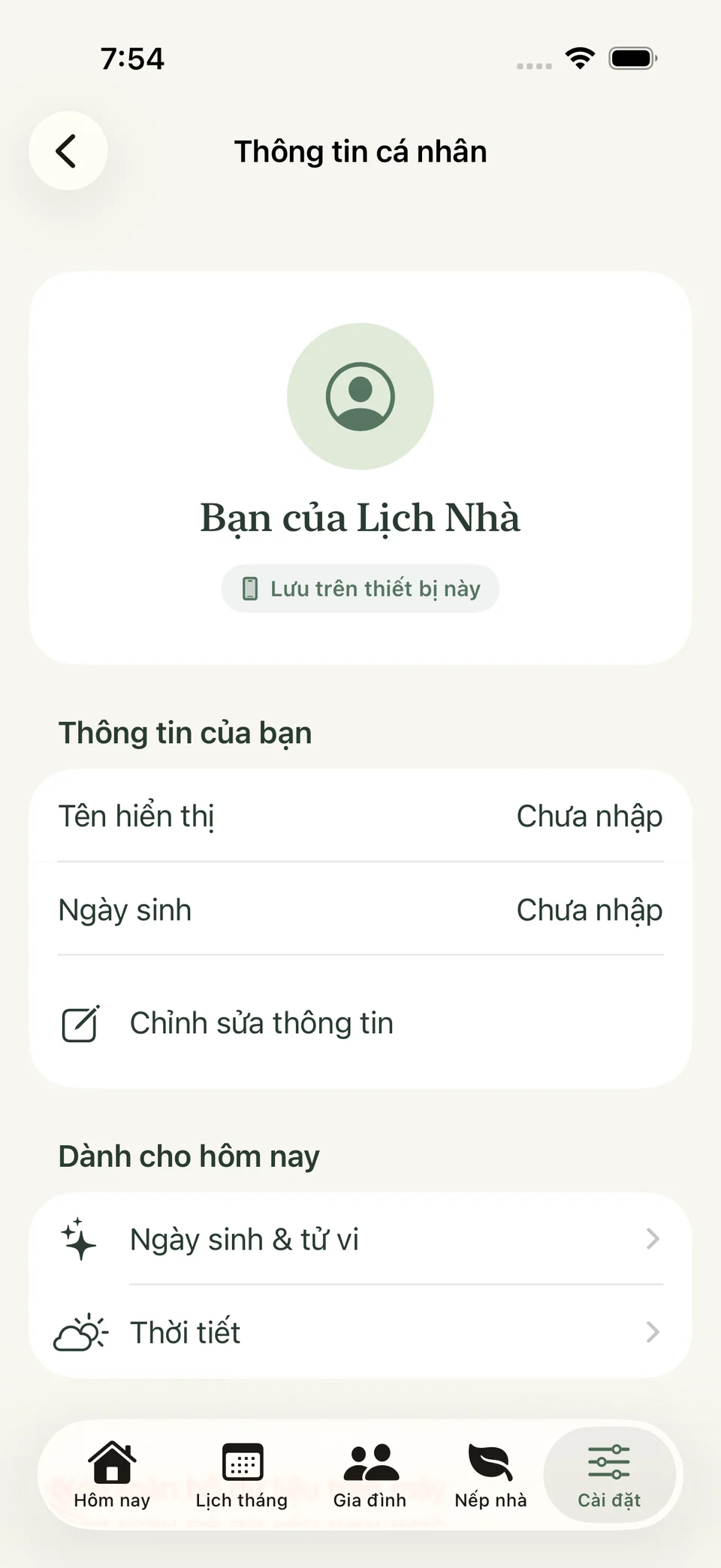
Lịch Nhà has no account and no sync server. Events, notes, checklists and profiles are stored on the device. There are no ads, no analytics SDK and no cross-app tracking.

Widgets receive only the event names and rules they need to display, never notes or birth details. You can hide family event names on your iPhone widgets.

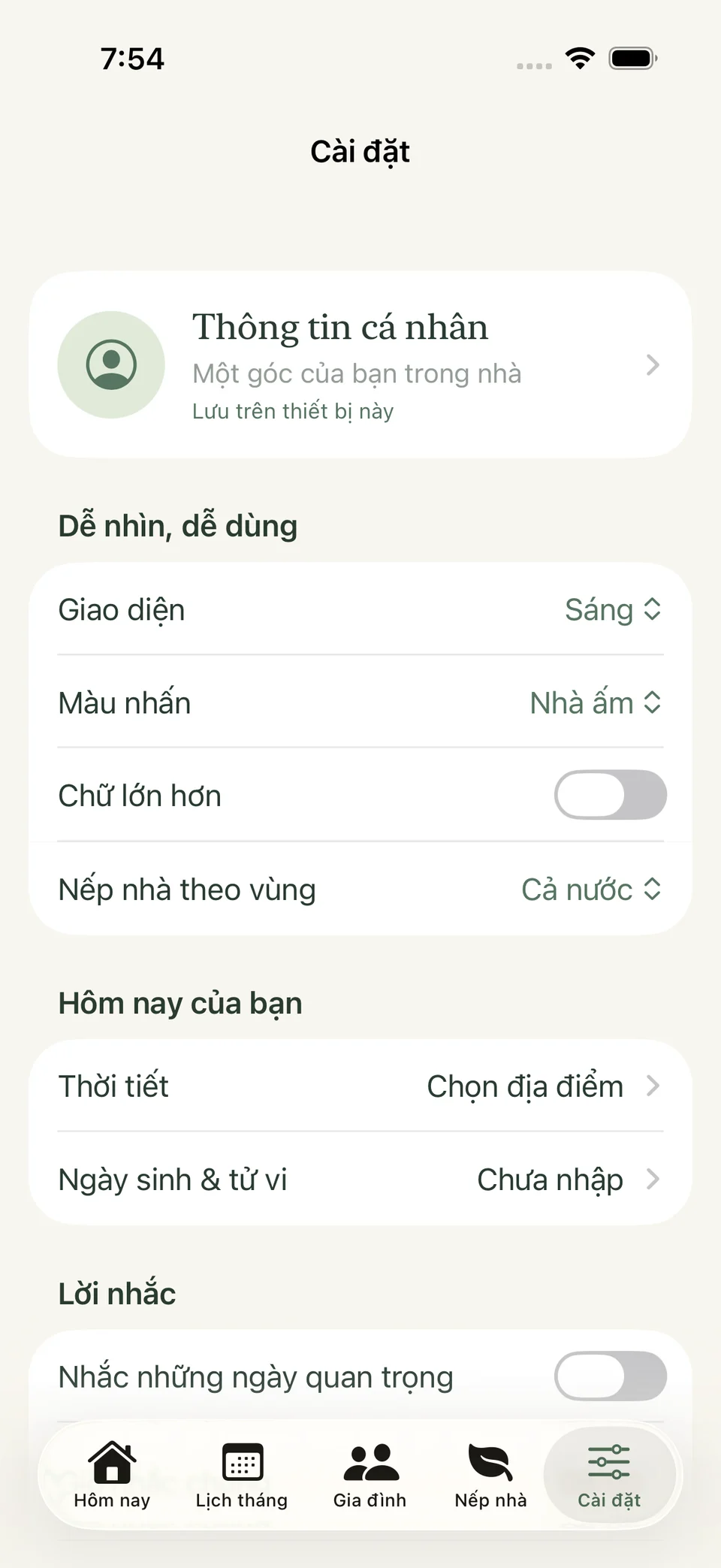
Weather is optional and does not ask for GPS: you pick a place from a bundled list, and its coordinates, rounded to two decimal places, go directly to MET Norway. To wipe everything, choose the erase-all-local-data option in Profile or Settings. Read the full privacy policy.

Your data stays home

What’s inside

Lunar and solar dates together

Browse today, month views and search either calendar.

Remember family dates

Keep anniversaries, birthdays and events with multiple reminders.

Prepare in your own way

Keep preparation notes and browse regional cultural references.

Your data on your device

No account. Export or import a JSON backup and erase local app data in Settings.

A glance at your iPhone

Home Screen and Lock Screen widgets bring lunar dates and family occasions to your iPhone.

A checklist for every occurrence

The 7-day preparation list gathers tasks for upcoming dates. Each occurrence keeps its own completion state.

Weather without GPS

Pick a place to see a 7-day MET Norway forecast. iPhone widgets use the cached forecast.

Tử Vi for reference

Enter a birth date and time to view a Tử Vi Đẩu Số chart calculated on the device, as cultural reference and entertainment.

Good to know

Is it available on the App Store?

The app is preparing for release. A download link will be added after release.

Is internet or an account required?

No account is required. Calendar and events work on device. Optional weather and the support website need internet.

Where is my data stored?

Family events and profiles stay on your device. Optional MET Norway weather retains access logs including IP addresses and rounded regional coordinates. See the privacy policy.

Which lunar calendar rules does Lịch Nhà use?

Lịch Nhà follows modern Vietnamese lunar calendar conventions in UTC+7, for the years 1900 to 2100. When creating recurring events, review the choices for leap months and short months. It is not an official public holiday notice.

Why am I not getting reminders?

Check notification permission, Focus modes and battery restrictions in your device settings, then reopen Lịch Nhà to top up upcoming reminders. iOS keeps a limited number of pending reminders per app, so open the app now and then.

Does Lịch Nhà read my phone calendar?

No. When you add an occurrence to your phone calendar, the system editor opens and you decide whether to save it. This does not add a lunar recurring rule to another calendar.

How do I erase my data?

In Profile or Settings, choose the option to erase all local data and confirm. The database, internal recovery copies, cached forecasts, pending reminders and widget data are cleared. Exported files and system backups need to be deleted separately.

News

Read about Lịch Nhà

All stories

More to explore