Skip to content

Moments, memories & connection

Little Us

Your little moments. Your favorite people.

  • iPhone
  • iPad
  • iOS 17+
  • English, Vietnamese
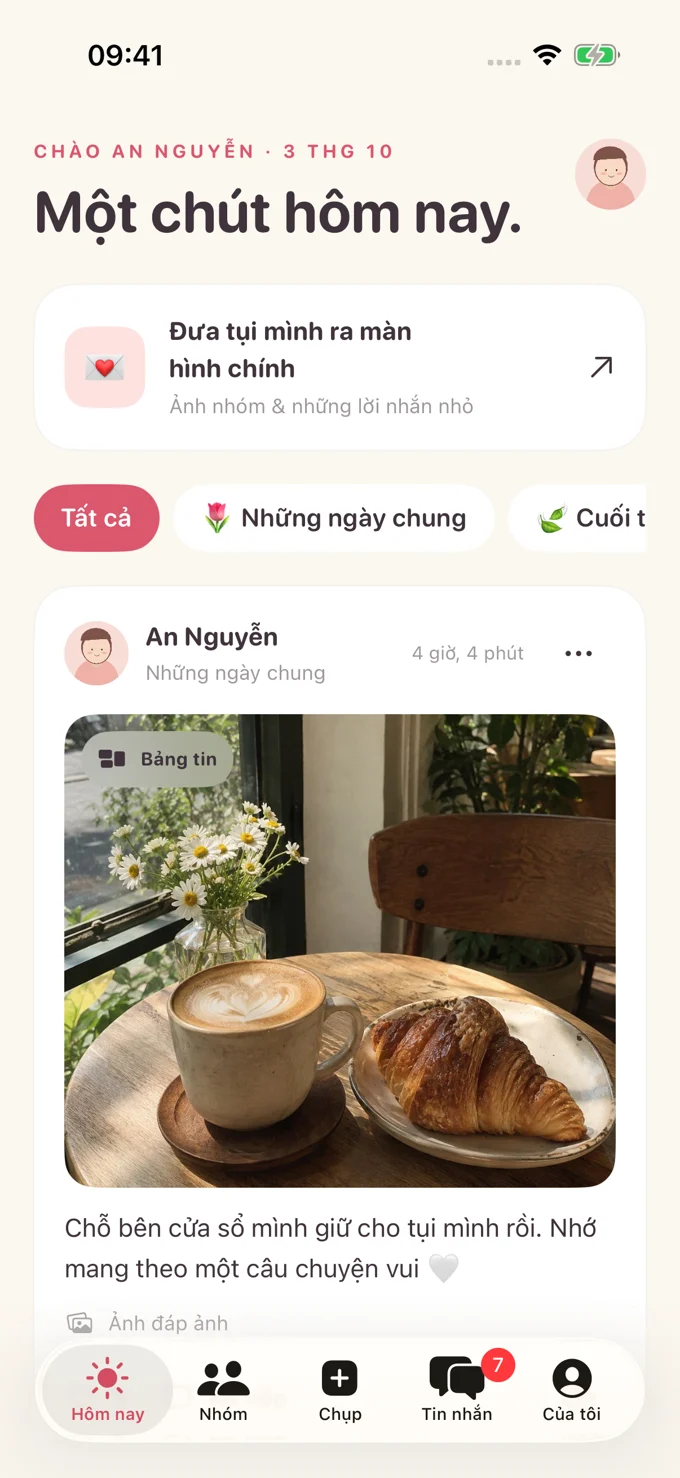
Mobile view: Little Us

A closer look

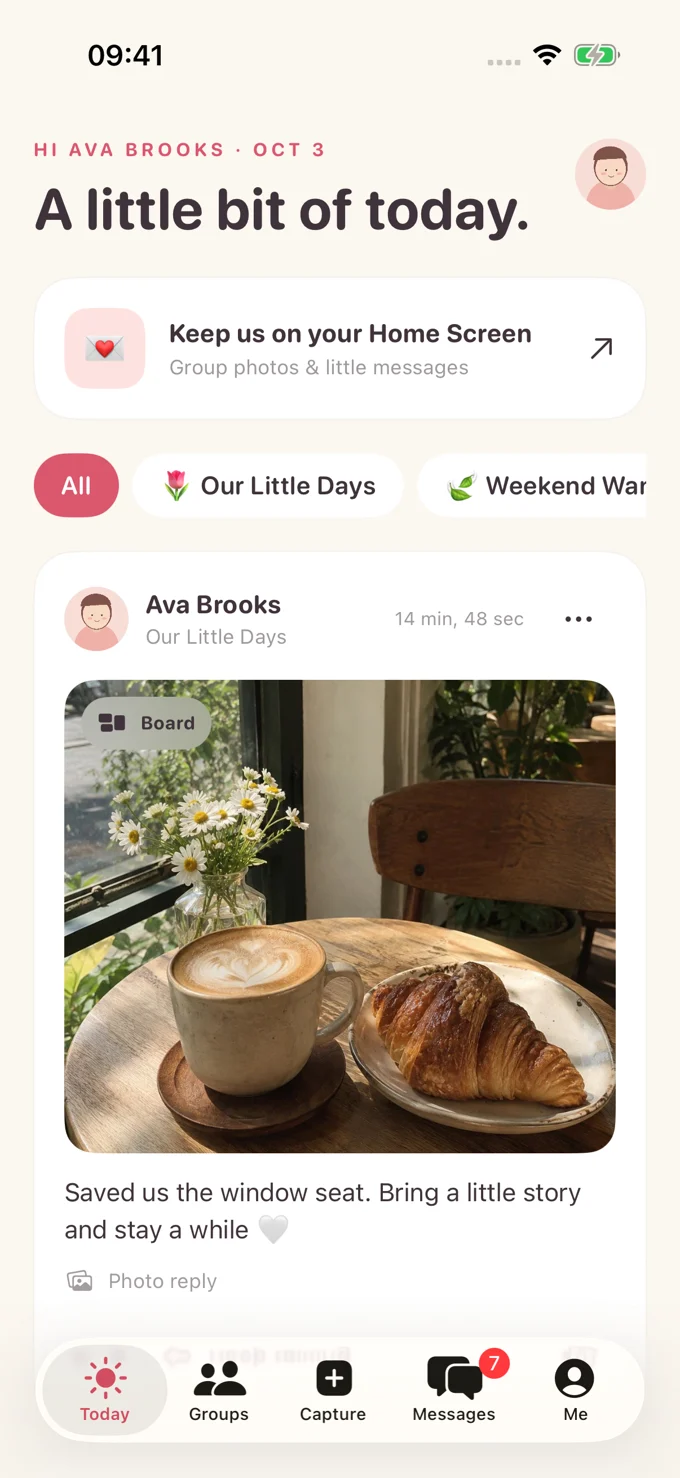
A little bit of today

The idea

Breakfast by the window. A quick hello between meetings. A moment you want to share with someone, without posting it for everyone. Little Us is a place for those small things.

Share with your private groups, chat about a photo or keep it in your own journal. Choose moments for your widget and keep your favorite people close, right on your Home Screen.

Made for iPhone, with English and Vietnamese support. Free to download on the App Store.

In depth

Little Us: Your little moments. Your favorite people.

01

Who it is for

Little Us is for small circles that want a private place for everyday moments: a couple, a family spread across cities, or a few friends who go way back.

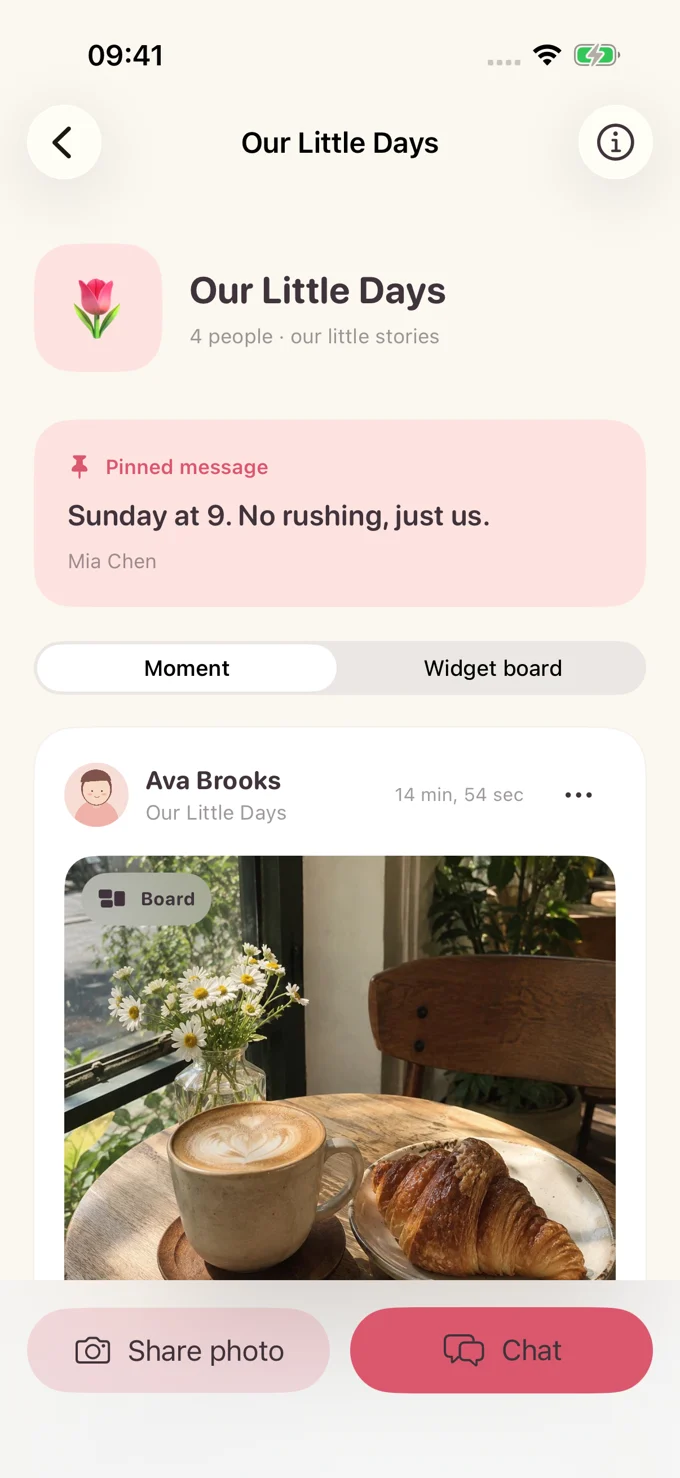
If social media feels too crowded and your group chat buries photos within days, Little Us sits in between. Each group includes only the people you invite with a code. Photos and messages stay attached to each moment, you can comment right under a photo, and you can pin an important note to the top of the group.

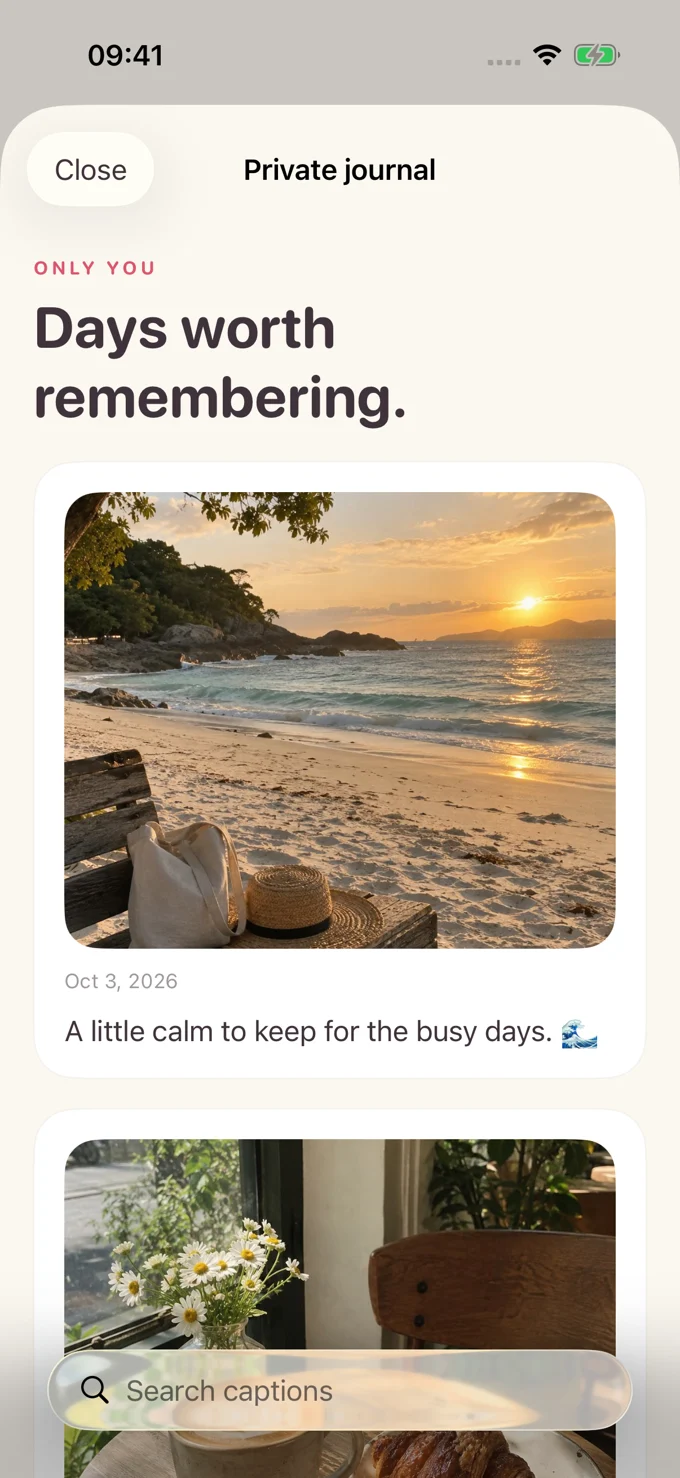
If you prefer to keep things to yourself, there is a personal photo journal that is never shared with group members, and you can search it by caption. The app is rated 13+ on the App Store and is not designed specifically for children.
Who it is for
02

A day with Little Us

In the morning you snap your coffee by the window, pick a paper or stamp frame, add a short voice note and send it to your family group. Your mom sees it on her Home Screen widget without opening the app.

Around lunch you set a mood for your close friends only, with an expiry so it fades on its own. A friend replies with a photo of their own, and everyone reacts and comments under the moment.

In the evening you add a photo to your private journal and check off today's reading habit to keep your streak. At the end of the week, the group recap brings the moments back together, and you collect a few favorites into a memory page with its own cover and title.

A day with Little Us
03

Get started in 3 steps

  1. Download and sign up. Little Us is free on the App Store for iPhone with iOS 17 or later, in English and Vietnamese. You create an account so your photos and groups are stored and synced.
  2. Create a group and share the code. Name your group and send the code to your people. They enter it to join. Private one-to-one chats open only after an invitation is accepted.
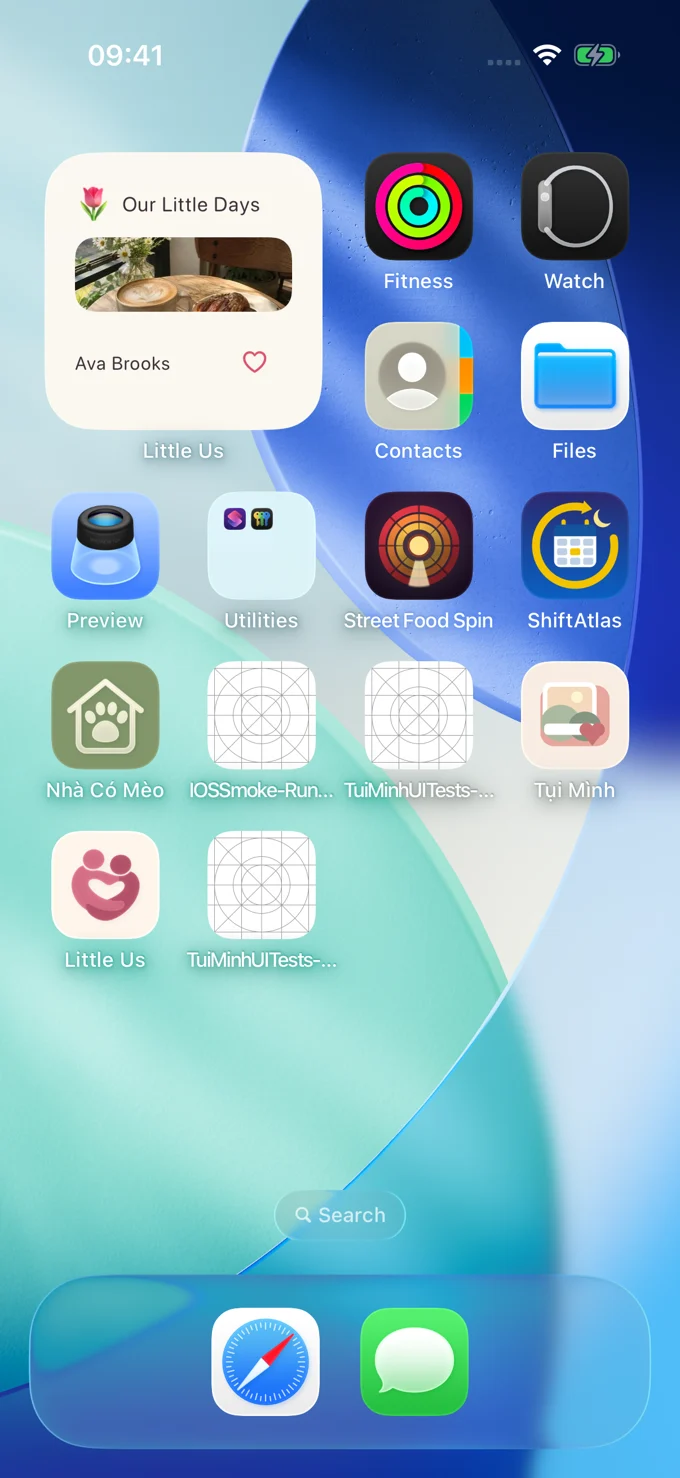
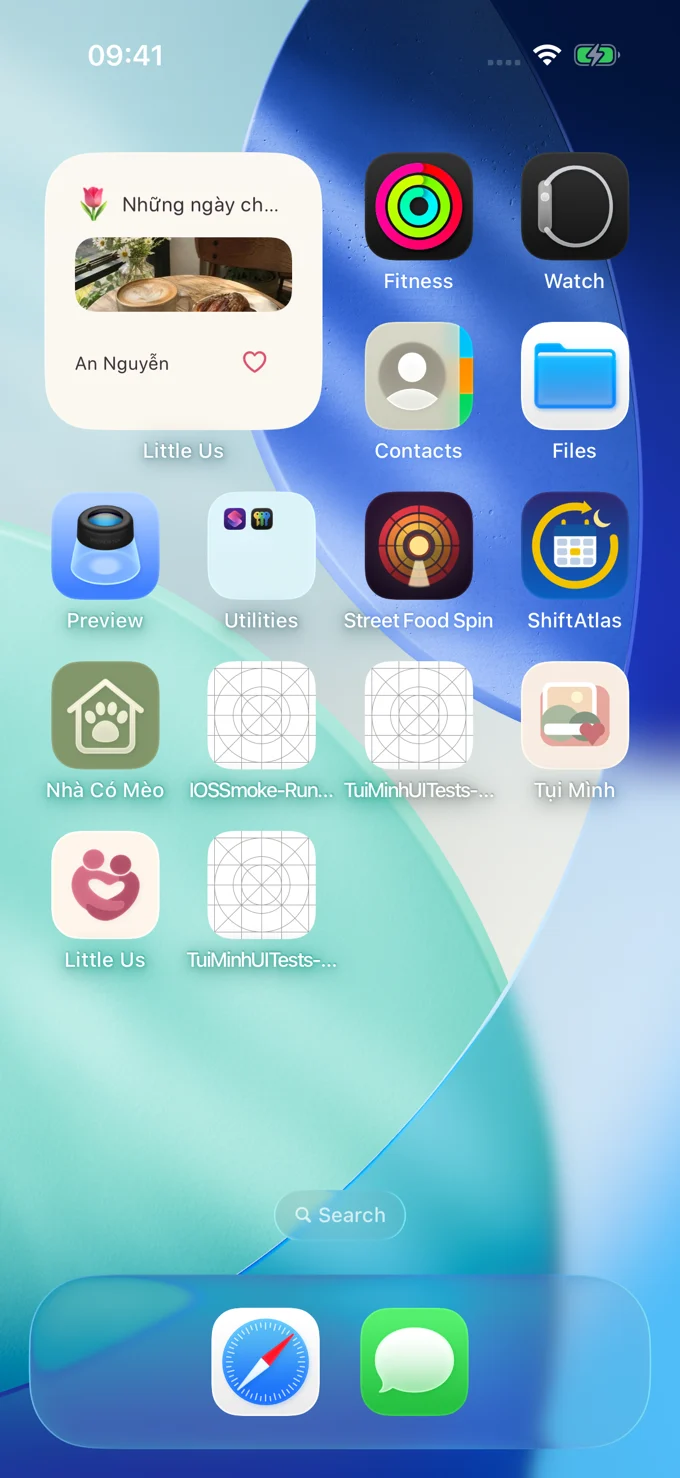
  3. Add the widget. Long-press your Home Screen, choose the Little Us widget and decide what it shows: a photo, a collage, a message or a pinned note. If others might see your screen, hide the widget text or all of its content.

No signal? Capture anyway. Posts wait in a queue and send automatically when you are back online.

Get started in 3 steps
04

Turn a photo into a keepsake

Little Us has a small creative corner so each moment feels like yours. Before you shoot, you can preview 44 live frame designs, including paper frames, stamps, photobooth strips and side-by-side layouts.

After capture, the photo studio offers 8 pastel kits, 36 stickers, editable text, drawing, crop, rotate and color tools. You can also trace text along a path drawn with your finger, in 5 styles that include Vietnamese script fonts.

Want sound? Try a spinning CD or a vinyl post that plays a built-in melody or a 1 to 10 second excerpt you choose from Files. Edits are kept as drafts when you switch tabs or reopen the app, with undo and redo.

Turn a photo into a keepsake
05

Privacy, plainly

Little Us is an account-based service with online storage, so here is what happens to your data.

What you share with a group is visible to that group's members, and your personal journal is not shared with anyone. Uploaded photos are re-encoded to strip embedded EXIF metadata. Data lives on a backend and private object storage, but the service is not end-to-end encrypted.

There is no third-party advertising SDK and data is not sold. Voice notes are for playback only and are never sent for transcription or to AI services. From version 1.2.0, Firebase usage analytics and crash reports are optional and off by default. You can delete your account in the app under Me. Read the full privacy policy.

Privacy, plainly

What’s inside

Just you and your people

Create a private group, invite people with a code and share a little piece of your day.

Closer, on your Home Screen

Bring selected group photos and little messages to an iPhone widget.

Keep the story

Save a private photo journal, search captions and collect moments into shared memory pages.

More than a photo

Add a mood, a message or a short voice note. Start a conversation or reply with a photo of your own.

Small daily habits

Set habits on a repeating schedule, get reminders, track streaks and take rest days without breaking them.

A mood for the right people

Share how you feel today, choose who sees it and when it expires.

Short videos and group recaps

Trim framed short videos, reply with video and look back with daily and weekly group recaps.

Good to know

Tụi Mình có mất phí không?

Tụi Mình tải miễn phí trên App Store. Ứng dụng dành cho iPhone chạy iOS 17 trở lên.

Ai xem được ảnh tôi đăng?

Chỉ thành viên trong nhóm bạn chọn khi đăng. Nhật ký cá nhân không chia sẻ cho thành viên nhóm. Widget có thể hiện nội dung trên màn hình khóa hoặc màn hình chính, nên bạn có thể ẩn chữ hoặc ẩn toàn bộ nội dung widget.

Tụi Mình có mã hóa đầu cuối không?

Không. Dữ liệu được bảo vệ bằng kiểm soát truy cập, yêu cầu xác thực và kho lưu trữ riêng tư, nhưng dịch vụ không mã hóa đầu cuối. Hãy cân nhắc trước khi chia sẻ thông tin quá nhạy cảm.

Làm sao xóa tài khoản?

Trong app, mở Tôi, chọn Xóa tài khoản và xác nhận bằng mật khẩu. Tài khoản và nội dung bạn sở hữu bị xóa khỏi kho lưu trữ đang hoạt động; bản sao lưu cơ sở dữ liệu xoay vòng sau 14 ngày.

News

Read about Little Us

All stories

More to explore