Skip to content

Classroom quizzes & games

Mầm Learn · Play

One small step forward, every day.

  • Desktop browser
  • Mobile browser
  • Vietnamese
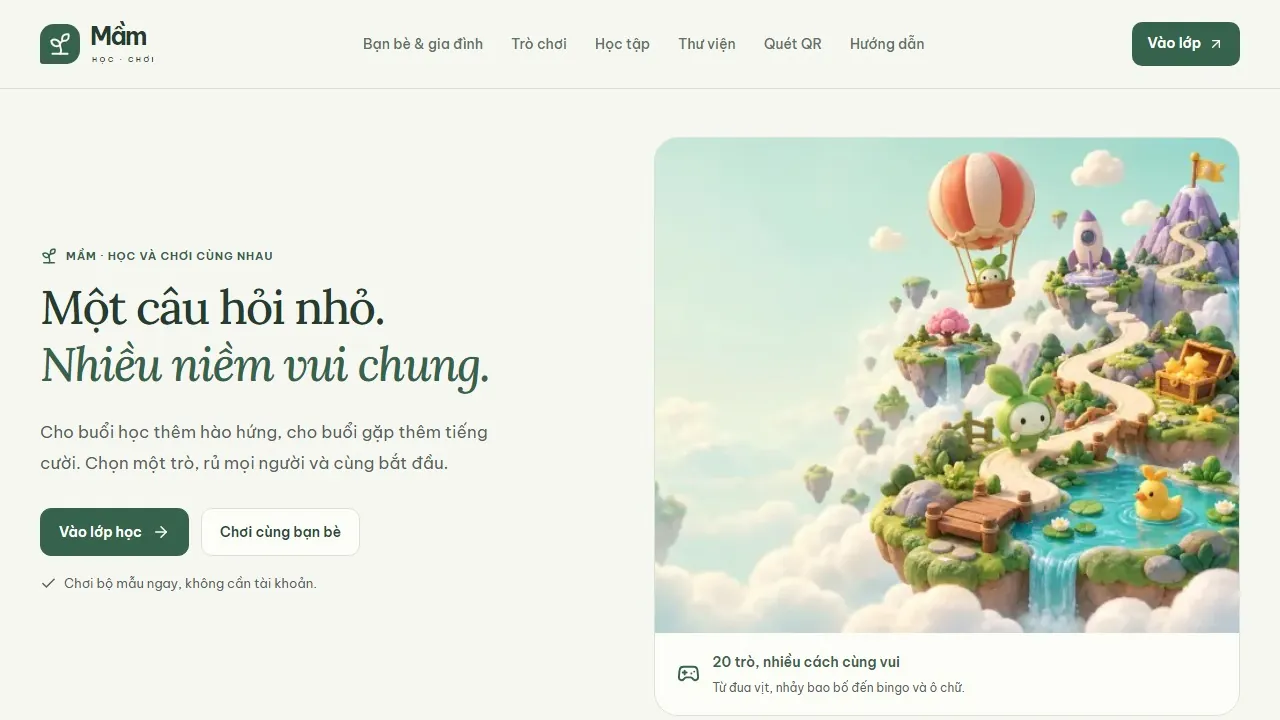
Desktop view: Mầm
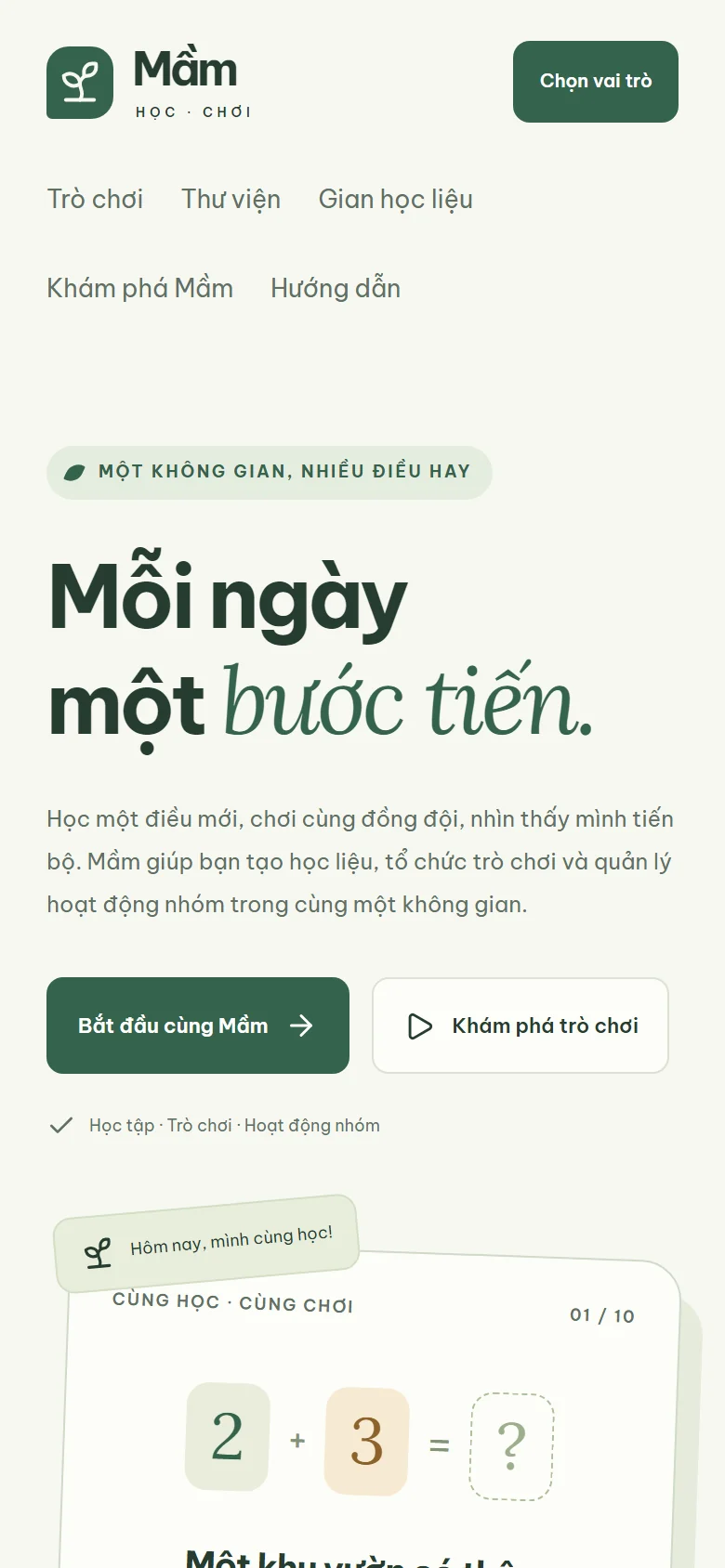
Mobile view: Mầm
20
learning games
7
question types
8
teams at once

A closer look

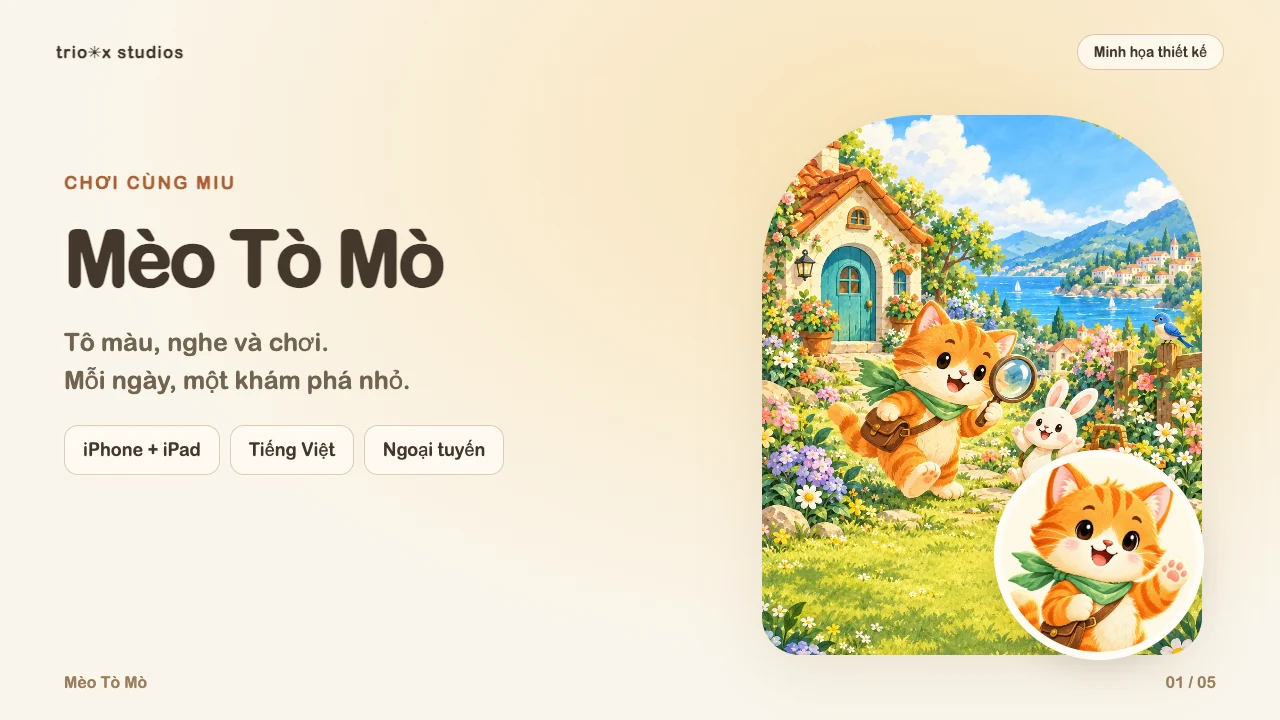
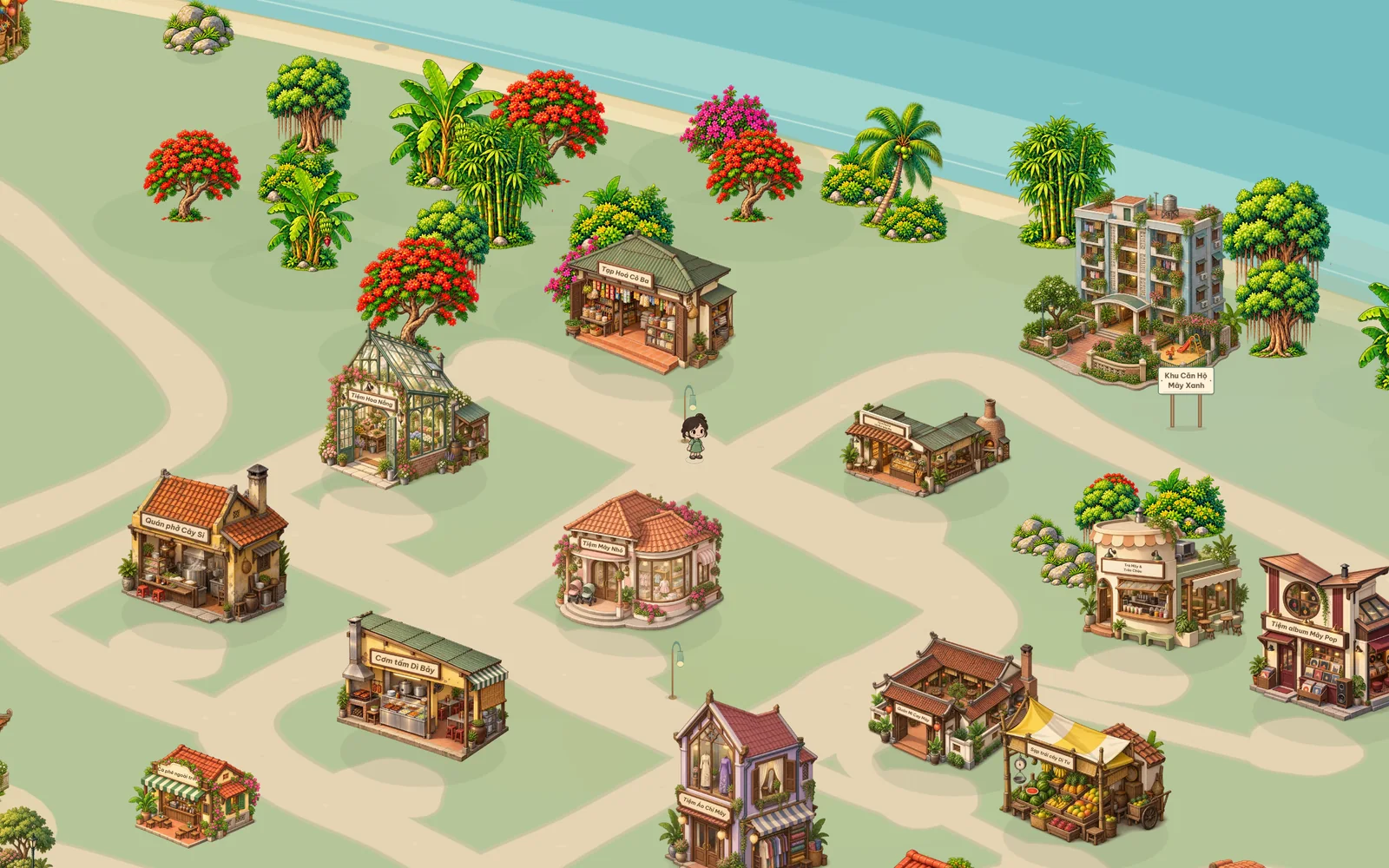
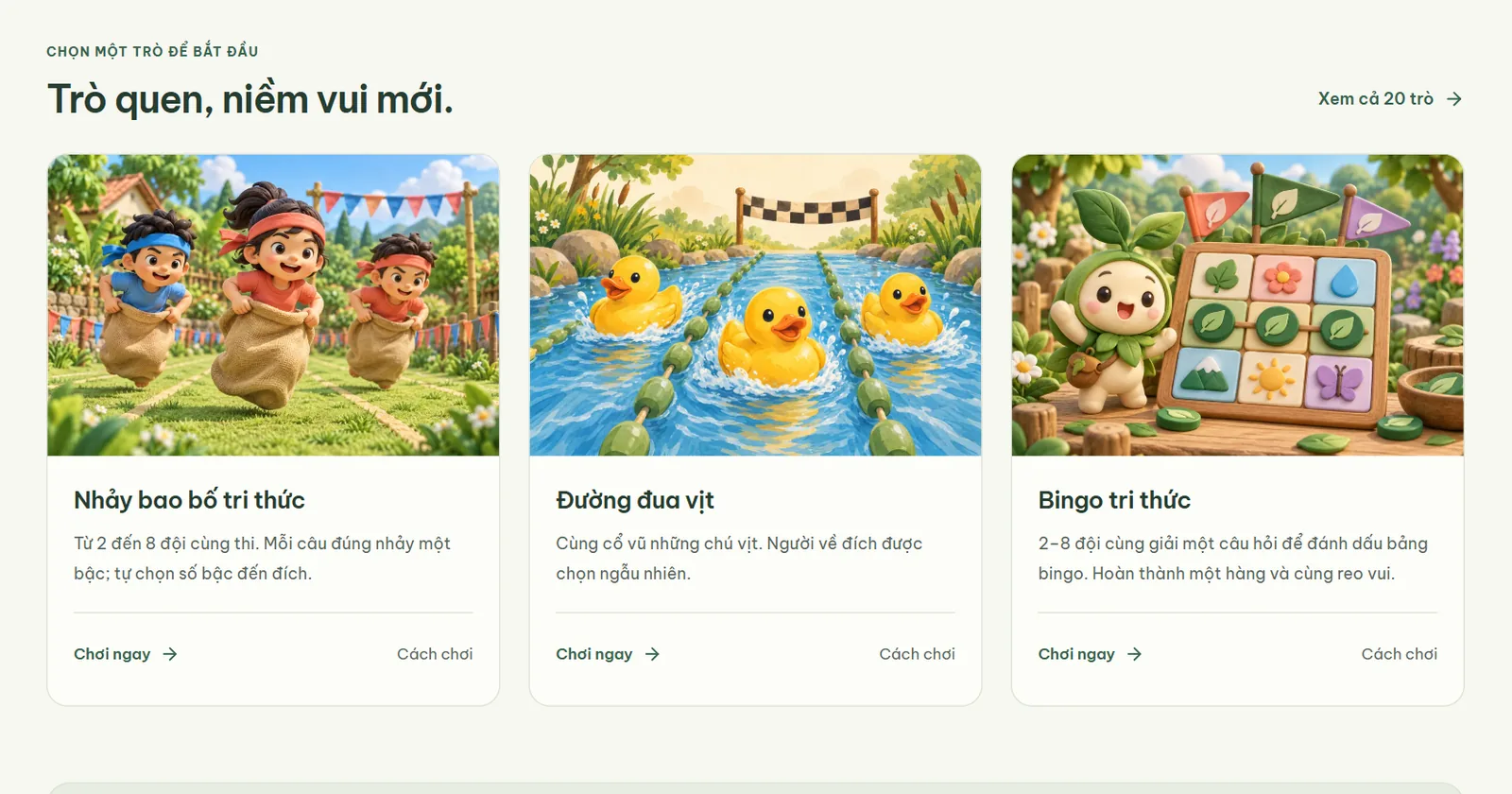
Scroll through the Mầm homepage and its learning spaces, then open the page introducing 20 classroom games.

The idea

A question set written the night before. The next morning, the class splits into teams for a sack race, a round of ô ăn quan or a picture puzzle on the projector. Mầm is made for lessons like that.

Teachers create questions, lessons and worksheets, or start from a sample library. Students join with a room code from their teacher, no personal email needed. After each session, reports show who is stuck and which questions need another look.

A space for every role

  • Teachers: prepare lessons, run activities and follow the class's progress.
  • Students: complete assignments, review and track their own progress.
  • Parents: see lessons, results and comments shared about their child.

Teachers can create an account and start on the free plan. Mầm is currently available in Vietnamese.

In depth

Mầm: One small step forward, every day.

01

Who it is for

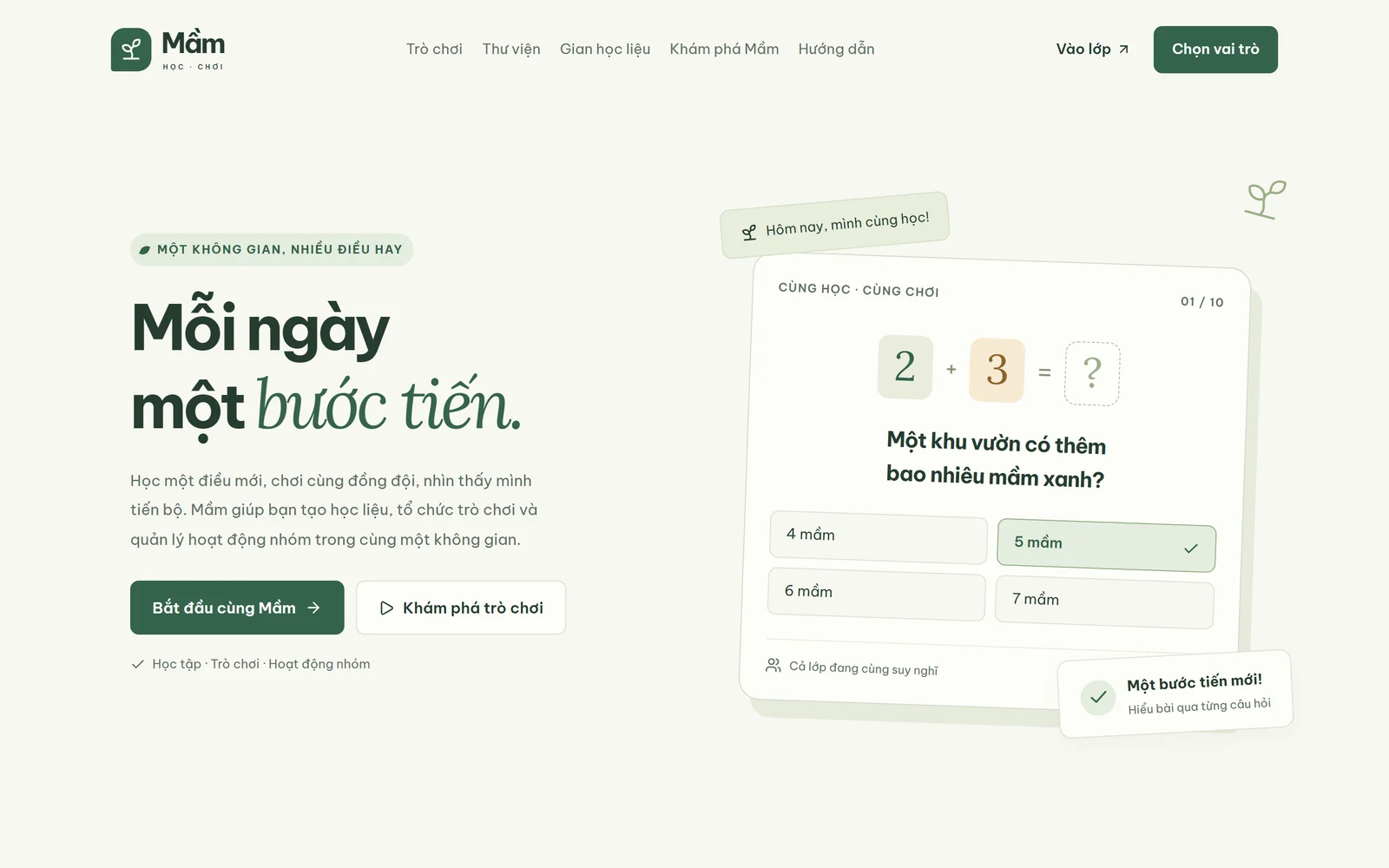
Mầm is for anyone who wants to turn a set of questions into a shared activity.

  • Teachers who want livelier review lessons and still see where the class is stuck. The teacher space covers lesson prep, classes, assignments and reports.
  • Group organizers: clubs, training sessions and extracurricular activities can use the same question sets and team games.
  • Friends and family: the Friends & family space has ready-made games for get-togethers and birthdays. A list of names is all you need for a duck race.
  • Students and parents: students complete assignments, review and track their own progress, while parents follow along through a linked account.

Mầm is currently in Vietnamese and runs in desktop and mobile browsers.
Who it is for
02

What a review lesson with Mầm looks like

The night before, the teacher picks a sample set or writes about ten questions, adds answers and explanations, checks them and publishes.

In class, the teacher puts knowledge bingo on the shared screen and splits the room into four teams. Each round, everyone reads the same question, and teams discuss and lock in an answer. The correct answer is revealed only after every team has answered, and then the teacher asks a student to explain why.

At the end of the lesson, the teacher opens a short quiz room. Students enter a six-digit code or scan a QR code and answer on their own devices. Afterwards, the report shows how each student did and which questions the class needs to revisit. From the questions with the lowest success rate, the teacher drafts a review set for next time.

What a review lesson with Mầm looks like
03

Get started in 3 steps

  1. Pick a game. Browse the 20 games. Each one lists what to prepare, how to play, a suggested time and the number of teams. To try first, play a sample set right away with no account.
  2. Prepare your content. Use a sample set, paste in a list of names, or sign up for a teacher space to write questions in seven types: single answer, multiple answers, true or false, short answer, matching, ordering and categorizing. You can import from CSV or JSON.
  3. Bring everyone in. Show the game on one shared screen so teams discuss and answer in turn, or open a quiz room so each person joins with a room code, link or QR code.

Teachers start on the free plan, which has some usage limits.

Get started in 3 steps
04

Shared screen or quiz room: when to use which

Mầm offers two ways to run an activity, and each answers a different question.

Games on a shared screen work best when you want the group to talk things through. The host runs the game, teams answer in turn and the host enters each team's answer. Nobody needs their own device. Game points belong to the game and do not replace individual assessment.

Quiz rooms are for when you need to save answers and see reports for each student. There are three paces: teacher-led, where you go question by question and decide when to reveal answers; self-paced within a shared time window; or homework with a due date. Answers are stored and scored on the server, and every room keeps the exact version of the material you chose.

Shared screen or quiz room: when to use which
05

What makes Mầm different

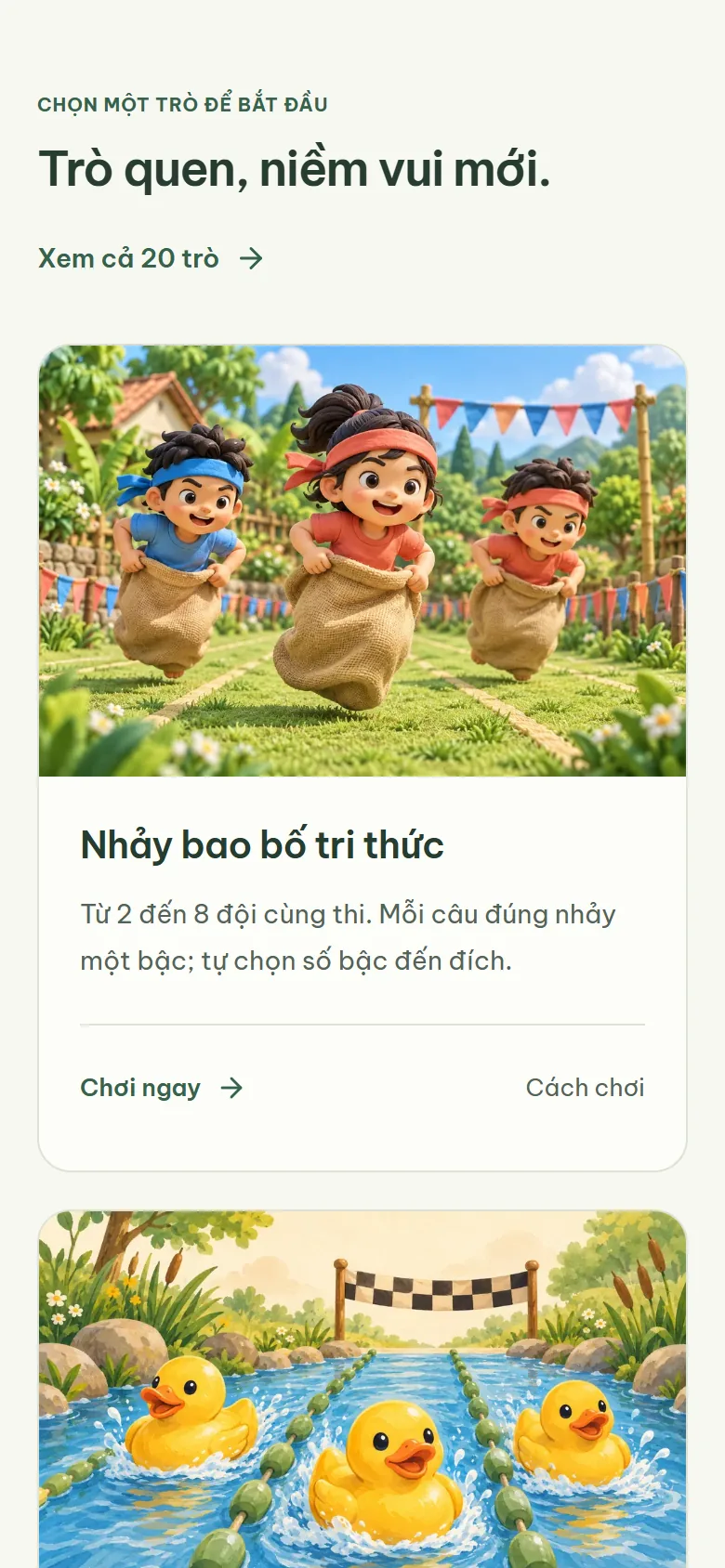
Many of Mầm's games come from games Vietnamese students already know: the sack race, ô ăn quan (a traditional stone-capturing game), tug of war and picture puzzles. Students understand the rules almost instantly, so more time goes into the actual learning.

Every game has its own guide in four parts: when to use it, how to prepare, tips so everyone gets a turn, and how to read the results. That last part reminds teachers not to infer individual scores from a team's position.

With AI, Mầm keeps the teacher in charge: when the operator has connected a provider, AI only drafts questions for the teacher to review before publishing. When nothing is connected, Mầm says so clearly.

What’s inside

20 learning games

Sack race, ô ăn quan, boat race, tug of war, picture puzzles, crosswords and more. Play with 2 to 8 teams on one screen.

Your own materials

Seven question types, CSV or JSON import, drafts and version history before you publish.

Three ways to quiz

Lead the class question by question, let students work at their own pace or set homework with a due date.

Reports from real answers

See results by student and by question to know what needs review. Export to CSV or print.

A shared library

Reviewed materials credited to their authors under CC BY 4.0. Copy them and adapt them for your class.

Parents stay in the loop

Parents sign in to a linked account to see lessons, results and shared comments.

Pick names with a duck race or spinner

Enter 2 to 100 names or pull in your class list, untick anyone absent, then let the ducks race or spin the wheel to choose who answers.

Join with a code, link or QR

Share a six-digit code, a link or a QR code from the waiting room. The Scan QR page recognizes class codes, game rooms and group invitations.

Try it without an account

Every game has a sample set you can play right away on your device without signing in. Hosts only need to sign in to save their own questions and open quiz rooms.

Good to know

Is Mầm free?

Teachers can create an account and start on the free plan, which includes sample materials. The free plan has some usage limits.

Do students need an account?

No. Students join with a room code from their teacher and a display name. No personal email is needed.

Does every student need a device?

No. Team games run on one shared screen and the host enters each team's answer. When you need individual answers and reports, open a quiz room so students can join on their own devices.

Can I use it outside school?

Yes. Clubs, group activities and training sessions can use the same question sets and team games.

How many games does Mầm have?

There are 20 games, including the sack race, ô ăn quan, picture puzzles, crosswords, boat race, tug of war, bingo, treasure hunt, knowledge arena, relay, duck race, a spinner and more. Many of them work with 2 to 8 teams.

Do game points count in reports?

No. Game points are for the shared-screen activity. When you need saved answers and per-student reports, run a quiz room or set an assignment.

Which question types does Mầm support?

Seven: single answer, multiple answers, true or false, short answer, matching, ordering and categorizing. You can import questions from CSV or JSON.

How long does a team game take?

It depends on the game and the number of questions. Mầm suggests about 5 to 15 minutes for the sack race and bingo, and 10 to 20 minutes for ô ăn quan. The real time depends on how long teams discuss.

Make it part of your day.

News

Read about Mầm

All stories

More to explore