Building an AI product from idea to working version, step by step
Building an AI product from idea to working version: the problem, data, fast prototypes, evaluation, user control, deployment, per-call costs, maintenance.
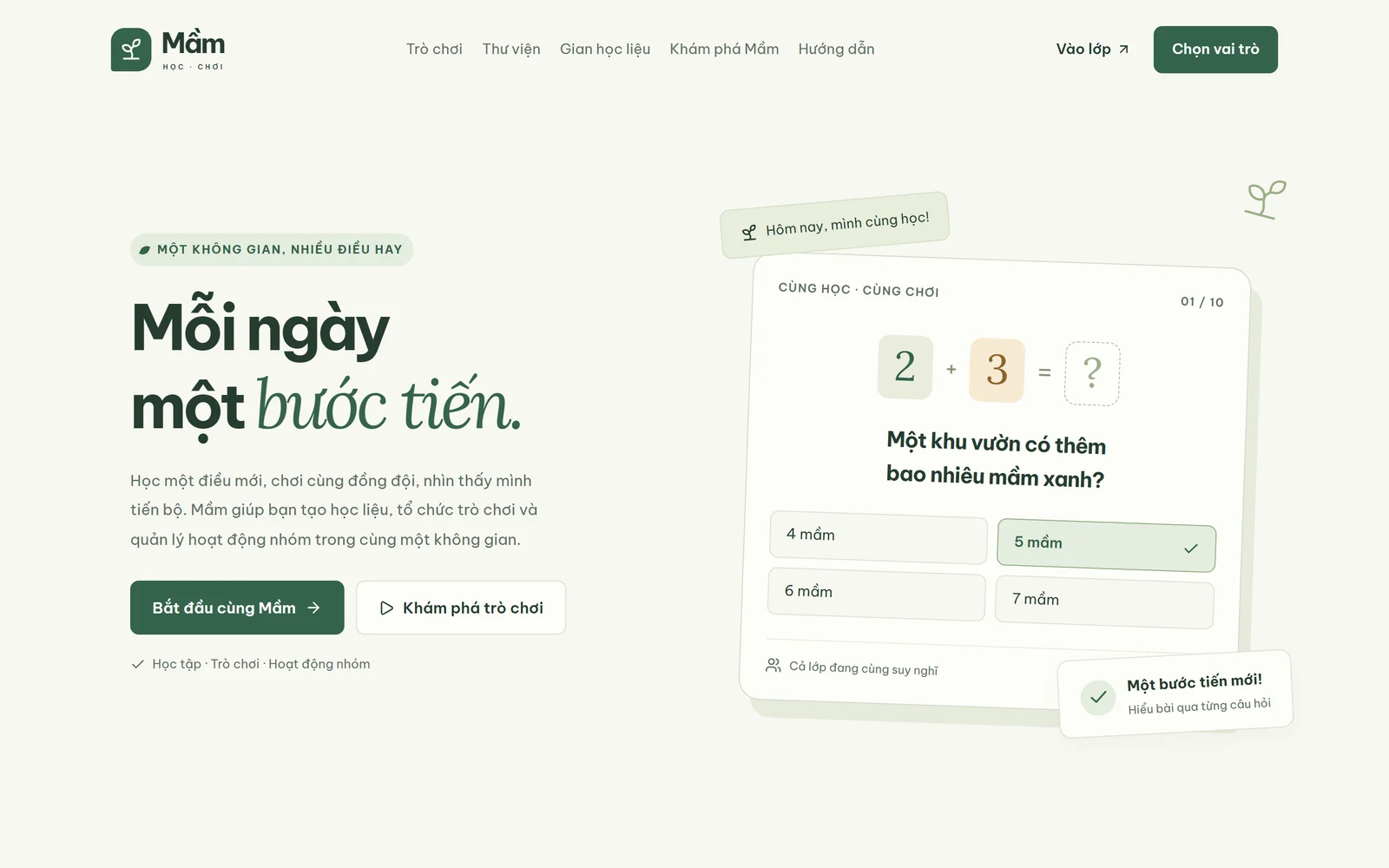
Building an AI product from an idea to a working version means making a chain of decisions: what the problem is, where the data comes from, what counts as good enough, how users stay in control and who pays for each call. Most AI projects run into trouble not because the model is weak, but because one of those steps was skipped. This article goes through them in order, with lessons TrioX learned while building Mầm and Scanmora.
Define the problem before choosing the technology
The first step is to describe the problem in your users' words, not in the name of a technology. "Teachers spend a whole evening writing review questions" is a problem. "We want an app with AI" is not yet.
A good problem for AI usually has these traits:
- A repetitive, time-consuming task that is currently done by hand.
- Inputs and outputs you can describe clearly, for example "give it a passage from a lesson, get back a few multiple choice questions".
- When the result is wrong, users can notice and fix it without serious consequences.
Write down what the product will not do as well, because a narrow scope is easier to do well.
Data: source, permission and sensitivity
Data drives most of an AI product's quality, so answer three questions early: where does the data come from, are you allowed to use it, and how sensitive is it?
- Source: internal documents, data users enter, or public datasets. For document question answering, the main source is the user's or the company's own documents.
- Permission: copyrighted material, customer data and personal information all need permission before they go into the system.
- Sensitivity: the more sensitive the data, the more you should consider processing it on the device or on your own servers rather than sending it to an outside service. Our article on on-device AI compares the two.
You should also start collecting a set of real examples early, for evaluation in the next step.
Fast prototypes and evaluation with real examples
A fast prototype is the simplest version that answers the question "can AI actually do this?". A rough interface is fine. Often all you need is a call to an existing model through an API with a hand-written prompt.
Once you have a prototype, evaluate it with a set of real examples instead of a few random tries:
- Collect typical cases, hard cases and cases the system should refuse.
- Write the expected result for each example, or scoring criteria if there is no single right answer.
- Run the whole set every time you change the model, the prompt or the data processing.
- Group the errors: wrong information, missing points, wrong format, out of scope answers.
If results fall short, try things in this order: improve the prompt, supply better context (the RAG approach described in our article on AI chatbots for business), switch models, and only consider extra training when none of that is enough.
An interface that keeps users in control
A good AI product leaves the final decision with the user. The interface should show what the AI did, what it was based on, and make corrections easy.
In Mầm, TrioX's learning platform for classrooms, the AI feature only suggests drafts: teachers review, edit and decide whether to publish. In Scanmora, a document scanning app we are finishing, the AI assistant answers from document excerpts and reminds users to check against the original. The two products are very different, but they share one principle: AI makes the work faster, and a person still makes the call.
Design patterns worth including:
- Clearly label AI-generated content.
- Show the source or data an answer is based on.
- Let users edit directly, regenerate or dismiss a suggestion.
- Ask for consent before sending data off for processing.
Our article on adding AI to a mobile app has more examples of designing results users can check.
Deployment and per-call costs
Once an AI product reaches real users, running cost becomes a business question, not just a technical one. Most cloud AI model services charge by the amount of text sent and received on each call, so costs grow with the number of users and how often they use the feature.
Before launch, estimate:
- Roughly how much text goes in and comes out per call.
- How many times each user calls the feature per day.
- Who pays: a free plan with limits, a paid plan, or the business itself.
Provider pricing changes often, so check the provider's official pricing page when you do the math. Common ways to cut costs: send less context, cache results, use small models for simple tasks, cap usage, or run the model on the device as Scanmora does, so there is no per-call fee.
On the technical side, have rate limits in place, a plan for when the AI service fails, and a switch that turns off the AI feature without breaking the rest of the product.
Maintenance after launch
AI products need more regular maintenance than ordinary software, because models, data and the way people ask questions all change over time. Launch is only the beginning.
- Monitor quality: rerun the evaluation set regularly and look at cases where users edit or dismiss suggestions.
- Update data: outdated documents are a common source of wrong answers in question answering systems.
- Watch the model: providers may retire older versions, so test before switching to a new one.
- Watch costs: spending can climb quickly when a feature is used more than expected.
Frequently asked questions
Do I need to train my own model to build an AI product?
In most cases, no. An existing model, a good prompt and the right context are usually enough for a first version. Custom training is worth considering only after you have measured the limits of simpler approaches.
How long does an AI prototype take?
It depends on how complex the problem is and how ready the data is. A prototype should be small enough to build quickly, because its job is to answer "can this work?" before you invest in a full product.
How do I know an AI product is good enough to launch?
When results on your real example set reach the bar you set at the start, and the remaining errors are ones users can notice and fix through the interface.
Build an AI product with TrioX
TrioX Studios makes games, iOS apps, web apps and AI solutions, and takes on custom work: chatbots that answer from documents, document AI, on-device AI and AI features inside apps. If you are thinking about hiring an outside team, our article on hiring a team to build an app or game covers what to prepare. Pricing depends on each project's scope, so contact us to discuss it on our home page.