AI document reading and OCR: invoices, records and forms
How AI reads documents: OCR and data extraction from invoices, records and forms, why handwriting, diacritics and tables are hard, and how to verify.
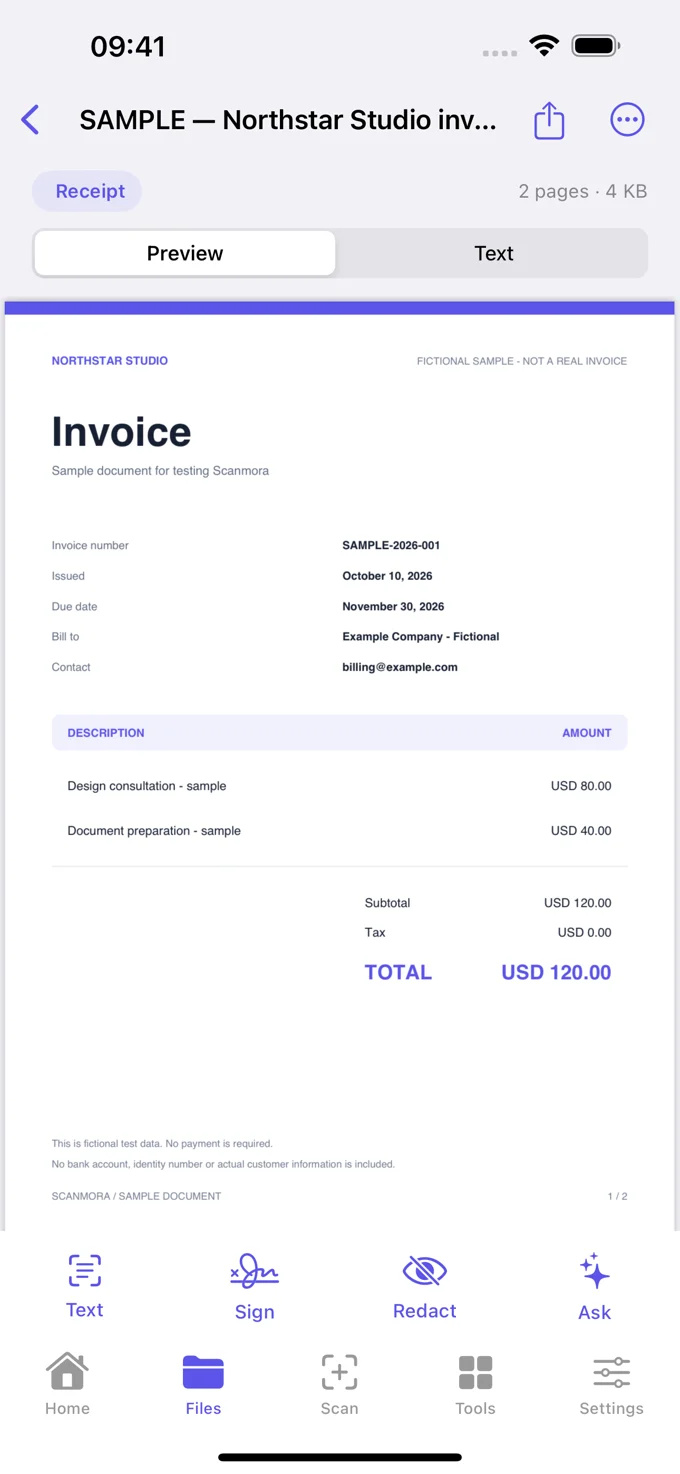
AI document reading means using software to turn photos or scans of paperwork into text, then pull out exactly the information you need, such as an invoice number, a date, a name or an amount. For Vietnamese documents this is harder than many people expect, because of diacritics, handwriting and tables. This article explains how the process works, where it tends to fail and how to design it so the results can be trusted.
What OCR is and how AI document reading goes further
OCR (Optical Character Recognition) is the step that turns an image of text into text a computer can read and search. The output of OCR is a block of text. It does not yet know which words are a name and which numbers are an amount.
AI document reading goes one step further: it understands the structure of the page and extracts each meaningful field. On an invoice, for example, the system needs to know the seller's name, the tax code, the issue date, each line item and the total. That step can use rules for a fixed template, machine learning models built for documents, or a language model that reads the OCR text and returns structured data.
Documents that are often digitized with AI
AI document reading is most useful for paperwork that arrives in volume, follows a roughly similar layout and is currently typed in by hand. Typical groups:
- Invoices, receipts and payment slips: extracting the seller, date and amount for bookkeeping or expense checks.
- Applications and HR records: capturing names, dates of birth, addresses and ID numbers to fill in a system.
- Forms: applications, surveys and declarations with preset fields.
- Contracts and official letters: finding the document number, signing date, parties and clauses that need attention.
- Household paperwork: medical booklets, warranty cards and utility bills, so you can find them later. Our guide to organizing family paperwork has ideas for sorting them.
Why Vietnamese documents are especially hard
Vietnamese is hard for OCR mainly because of its tone marks and diacritics: get one mark wrong and the word changes meaning. "Bán" (sell) and "bạn" (friend), or "tổng" (total) and "tông" (tone), differ by a single small mark, and a blurry or tilted photo can easily lose it.
Other common difficulties:
- Handwriting: everyone writes differently, letters run together and marks drift out of place. This is still the hardest part, especially on handwritten forms.
- Tables: OCR may read every word correctly but join the wrong rows and columns, so one line's quantity ends up next to another line's unit price.
- Image quality: tilted shots, shadows, folds, thin paper showing text from the back.
- Stamps and signatures over text: the text underneath gets covered or mixed in color.
- Inconsistent layouts: every issuer formats an invoice differently, so fields sit in different places.
- Number and date formats: dots or commas as thousand separators, and dates written several ways.
How a document reading system works
A trustworthy document reading system usually has all of these steps, not just OCR:
- Capture or scan: the straighter, sharper and better lit the image, the easier everything after it. Our guide on how to scan documents with an iPhone has tips for clean, straight scans.
- Pre-processing: crop, straighten, boost contrast and remove shadows.
- Text recognition: run OCR and keep the position of each word on the page.
- Extraction: identify the fields you need and their values.
- Rule checks: is the date valid, do the line items add up to the total, is the code in the right format?
- Human review: show uncertain fields so the user can confirm or correct them.
- Export: send the data to a spreadsheet, accounting software or a records system.
Always include a review step
AI document reading always needs a review step, because one wrong digit in an amount or an ID can cause real trouble. The goal is not to remove people from the process, but to let them look only at what needs looking at.
A good review interface usually has:
- The original image next to the extracted data, with the matching area highlighted when you tap a field.
- Fields the AI is unsure about flagged separately so the reviewer sees them first.
- Automatic checks such as re-adding totals and matching dates.
- A history of edits showing which fields a reviewer has confirmed.
If you use a language model to extract or summarize, be extra careful: a model may "fill in" a field that is not on the paper. Always instruct it to leave a field empty when the information is not there.
Reading documents on your phone with Scanmora
For personal use, you can start with the tools built into the iPhone, as described in our guide to scanning documents with an iPhone. When you want a tidier document library, Scanmora is an app TrioX Studios is finishing for iPhone and iPad.
Scanmora scans or imports photos and PDFs, crops pages, rotates them, applies filters and recognizes text on the device so you can search your documents later. It can export to JPG or TXT, and it includes an on-device AI assistant that answers questions and summarizes document excerpts offline. Documents, recognized text and questions are not sent to the developer or to any outside AI service. As with any AI tool, answers can be wrong, so check them against the original. Scanmora is coming soon, and you can read more in Scanmora: document scanning with offline AI.
Frequently asked questions
Can OCR read Vietnamese handwriting?
It can, but accuracy depends heavily on the handwriting and the image quality. Clear printed text is much easier. For handwritten records, always have a person check the important fields.
How can I get OCR to read Vietnamese diacritics more accurately?
Shoot straight on, in good light, without shadows, and keep the image sharp. Choose a tool that supports Vietnamese and lets you correct misrecognized text.
Should I send sensitive documents to an online AI service?
Think carefully. For ID documents, health or financial records, prefer tools that process on the device or on servers your organization controls, and read the privacy policy before you use them.
TrioX builds apps, games and AI solutions to order, including systems that read and extract information from documents. If you would like to talk, get in touch on our home page.