Privacy policies for apps: how to write one that meets App Store and Google Play rules
How to write a privacy policy, terms of use and support page for your app, plus how to fill in Apple's privacy labels and Google Play's Data safety section.
Every app on the App Store and Google Play needs a public privacy policy, even an app that collects no data at all. Alongside it, you should have terms of use and a support page, and your answers in Apple's privacy labels and Google's Data safety section should match them. This guide explains why the stores require these pages, what they should contain and how TrioX Studios handles them for each product. It is practical guidance, not legal advice.
Why do app stores require a privacy policy?
A privacy policy is a public document that explains what data an app collects, why, who it is shared with, how long it is kept and what rights users have. Apple and Google require it because people deserve to know before they download, and because apps must follow data protection laws in many countries.
- App Store: every app must provide a privacy policy link in App Store Connect and make it accessible within the app, under the privacy section of the App Review Guidelines.
- Google Play: every app must have a privacy policy on a public web page and complete the Data safety section, as described in the Play Console Help Center.
In Vietnam, personal data processing is also governed by data protection law, such as Decree 13/2023/ND-CP and newer legislation. Apps with users abroad or apps for children face additional rules. These rules can change, so check the official Apple and Google pages and talk to a qualified professional when your app handles sensitive data.
What should a privacy policy include?
A good policy uses plain language and is specific to your app rather than a generic template. Sections worth including:
- Who operates the app and how to get in touch.
- Data collected: what users enter (name, email, photos), what is generated by use (technical logs, usage events) and what comes from the device (location, camera, microphone).
- Purposes: running features, security, fixing bugs, analytics, and advertising if any.
- Third parties: servers, analytics, crash reporting, AI providers, payments. Name them and link to their policies.
- System permissions: which ones you request, why, and what happens if users decline.
- Retention and deletion: how long data is kept, how to delete an account and data, and how long backups remain.
- Children: whether the app is meant for children and how you handle it if children use it.
- User rights: access, correction, deletion and complaints.
- Policy changes and the effective date.
The most important principle: the policy must match what the app really does, including every SDK you bundle.
Apple's privacy labels
Privacy labels (App Privacy details) are the summary on your App Store page showing which data types the app collects, whether they are linked to the user's identity and whether they are used for tracking. You declare them yourself in App Store Connect. Keep in mind:
- Include data collected by third-party SDKs, such as analytics or ad tools.
- "Tracking" has a specific meaning in Apple's definition, about linking data from your app with other companies' data for advertising. If you do it, you must ask permission through App Tracking Transparency.
- Add a privacy manifest when your app or its SDKs use APIs that Apple requires you to declare reasons for.
- Update the label whenever you add a feature or a new SDK.
Details are on the App Privacy Details page. The full submission process is in publishing on the App Store.
Google Play's Data safety section
Data safety is a declaration in Play Console, shown on your Google Play listing, that describes which data is collected and shared, for what purpose, whether it is encrypted in transit and whether users can request deletion. Every app must complete it, even apps that collect nothing.
Google separates "collection", meaning data leaving the device to you or a third party, from "sharing", meaning data transferred to a third party, with some exceptions. Data that is processed only on the device does not count as collected. If your app has accounts, Google also requires a way to delete the account inside the app and through a web link. See publishing on Google Play for more.
Terms of use and support pages
Terms of use are the agreement between you and your users: how the app may be used, who is responsible for content users post, how violations are handled and how people can stop using the service. Apps with user-generated content should provide reporting and blocking and a way to deal with harmful content, which both stores look at during review.
A support page is where people go for help: FAQs, how to back up, how to delete data and a contact email. App Store Connect requires a support URL, and the page should include a real way to reach you.
How TrioX does it: one policy per product
At TrioX Studios we do not use one shared policy for everything, because each product handles data differently. On our privacy page, every product has its own policy, along with terms and a support page, in both Vietnamese and English. A few examples:
- Little Us has accounts and a sharing server, so its policy spells out what is stored, the camera, microphone and photo permissions, and how to delete an account. Usage analytics and crash reporting through Firebase are two separate options, both off by default.
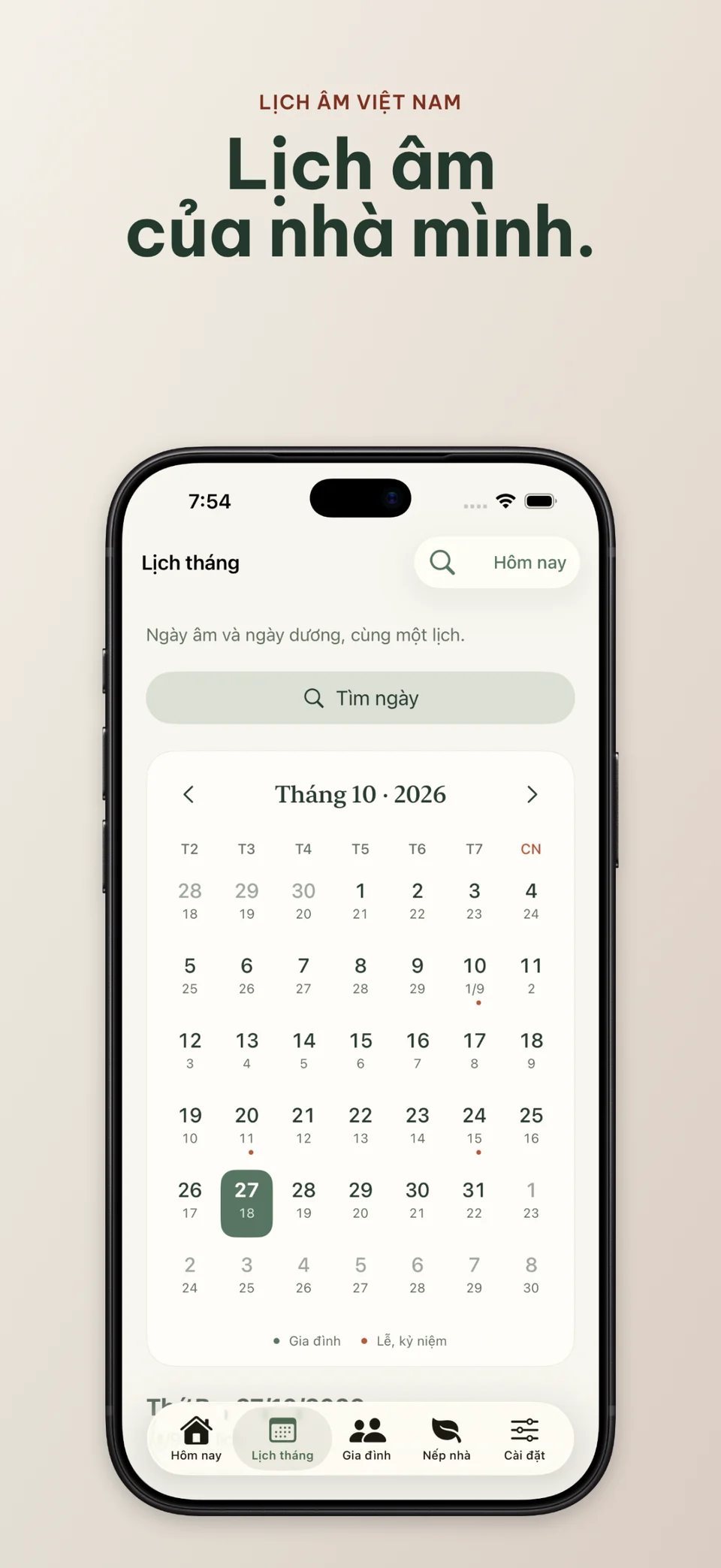
- Lịch Nhà needs no account and keeps family data on the device. Weather is optional: when turned on, rounded regional coordinates are sent to MET Norway, and the policy states that clearly.
- CUTVERSE has no ads, analytics SDKs or accounts, and progress stays on the device, so its policy is short and simple.
Writing separate policies takes more effort, but people get to read exactly what applies to the app they use. A private photo sharing app tells more about how Little Us keeps a private space. If you need an app built with a full set of policies and support pages, TrioX builds apps, games and AI solutions on request. Get in touch on our home page.
Frequently asked questions
Does an app that collects no data still need a privacy policy?
Yes. Apple and Google both require a policy link for every app. In that case the policy can be short, stating that the app collects nothing and that the app store may process data under its own policy.
Can I use a privacy policy template?
As a starting framework, yes, but you must edit it to match the real app. A policy that contradicts your privacy label or Data safety answers can get your app rejected.
What language should the policy be in?
The language of your main users. A bilingual app should have a bilingual policy.